
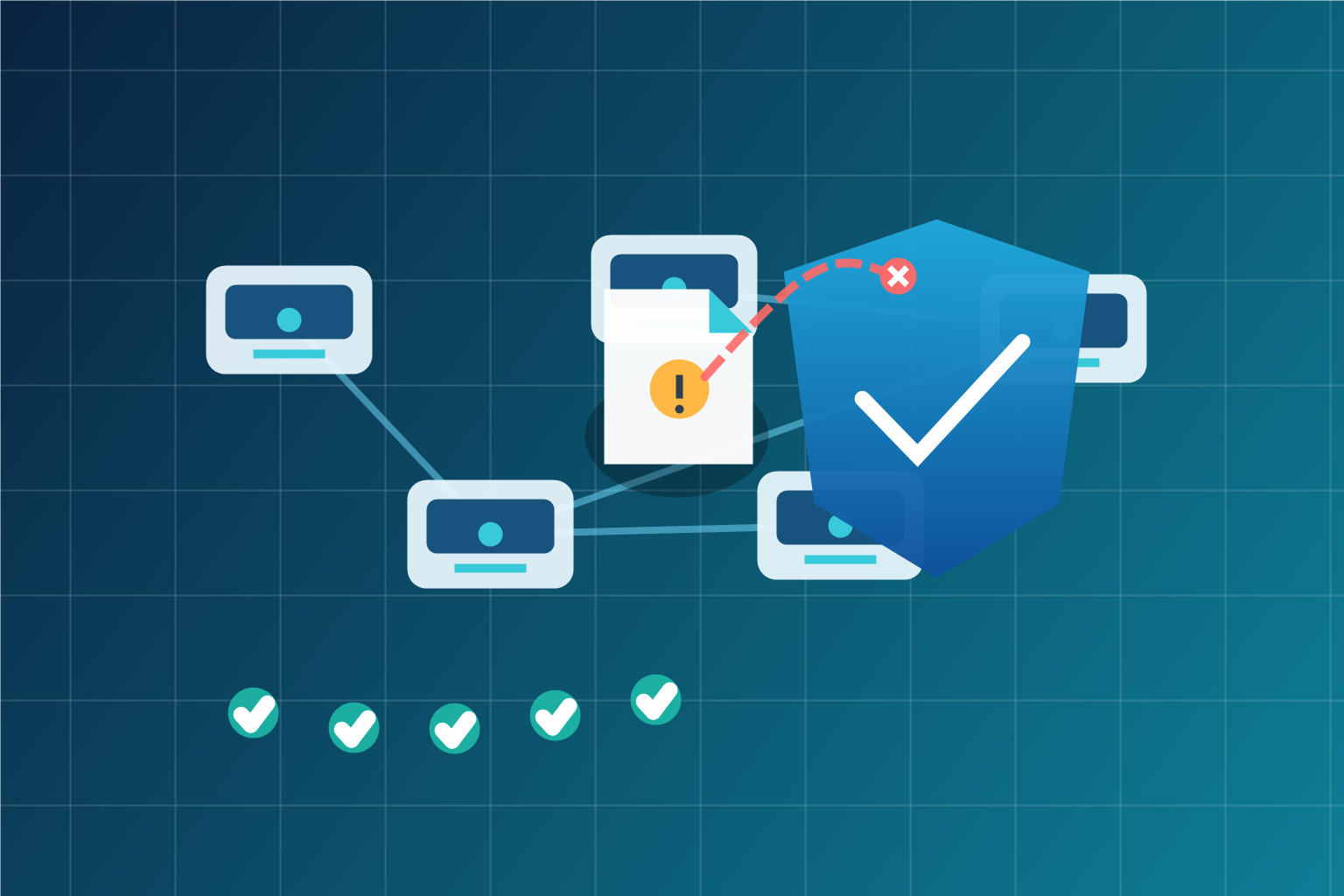
Windows Shortcut Attacks: Why Patch Speed and Network Controls Matter
A Windows shortcut file looks harmless. In most offices, shortcuts are everywhere: shared folders, mapped drives, email attachments, desktop links, downloaded ZIP files, and project folders passed between staff.
That is why CVE-2026-32202 is worth business attention even though Microsoft rates it as “Important,” not “Critical.” Microsoft describes it as a Windows Shell spoofing vulnerability caused by a protection mechanism failure. The important detail for IT teams is that Microsoft now marks the issue as exploited, and CISA has added it to the Known Exploited Vulnerabilities catalogue.
In plain English: attackers have been abusing a Windows behaviour where a specially crafted shortcut can cause a computer to reach out over the network in a way that may expose authentication material. Security researchers have connected the issue to malicious shortcut-file activity and NTLM credential exposure, which can help attackers move from one machine to another if the rest of the environment is not well controlled.
This is not a reason to panic. It is a reason to patch quickly and check the surrounding controls.
Why a “shortcut” issue can become a business risk
Most attacks do not succeed because of one dramatic flaw. They succeed because several ordinary weaknesses line up:
- a workstation is missing recent Windows updates
- staff receive or browse folders containing weaponised shortcut files
- outbound SMB traffic is allowed to the internet
- NTLM authentication is still broadly enabled
- endpoint security is not watching unusual file and network behaviour
- nobody has a clear list of which devices are patched
A shortcut vulnerability becomes much more serious in that kind of environment.
For a Trinidad and Tobago business, the practical concern is not the technical label attached to the CVE. The concern is whether a normal office workflow — opening a shared folder, extracting files from a supplier, or previewing project documents — could help an attacker collect credentials or gain a foothold.
Once credentials are exposed, the next stage is often lateral movement: trying the same identity against file shares, servers, remote access tools, Microsoft 365, or line-of-business systems. That is why endpoint patching, identity hygiene, network filtering, and monitoring have to work together.
What IT teams should do now
The first step is straightforward: confirm that Windows endpoints and servers have received Microsoft’s April 2026 security updates or later updates that include the fix for CVE-2026-32202.
Then check the controls around the vulnerability:
- Review whether outbound SMB traffic to the internet is blocked. In most business environments, workstations should not need to connect to random external hosts over TCP 445 or 139.
- Review NTLM exposure and hardening. Where possible, move toward stronger authentication patterns and reduce legacy NTLM dependence.
- Watch for unusual shortcut-file activity, unexpected outbound SMB attempts, and authentication attempts from unusual locations.
- Confirm that endpoint protection and EDR are active on laptops, desktops, and servers, not just “installed somewhere.”
- Make sure patch status is measured from a management console, not guessed from memory.
The key point is speed with verification. A patch that is approved but not installed does not reduce risk. A patch that installs but waits for a restart may still leave exposure. A firewall rule that protects one site but not another leaves an uneven environment.
The management problem behind the vulnerability
This type of issue exposes a common gap in small and mid-sized businesses: there is no single reliable answer to “Are all our machines protected?”
One person may know about the servers. Someone else may know about laptops. A few machines may be offsite. Some users may work from home. A branch office may have different firewall rules. A Mac or Linux device may sit outside normal Windows patch reporting. Third-party applications may be updated manually, if at all.
During an active vulnerability event, that scattered picture slows everything down.
Good security operations start with asset visibility. You need to know what you own, what is online, what is missing updates, what security controls are active, and what needs follow-up. Without that, every vulnerability becomes a manual investigation.
How Blue Chip helps reduce this exposure
Blue Chip’s Managed IT Services are designed to remove that uncertainty.
We combine enterprise remote monitoring and management with proactive 24/7 monitoring, automated patch management across Windows, macOS, Linux, servers, and 300+ third-party applications, asset documentation, helpdesk and ticketing workflows, and optional NOC coverage for businesses that need after-hours response.
On the security side, Bitdefender GravityZone adds endpoint security, ransomware prevention, EDR, phishing and web threat defence, vulnerability management, and Microsoft 365 or Google Workspace email security. That gives businesses layered protection: patch the known issue, watch for suspicious behaviour, reduce credential-theft opportunities, and keep support actions documented.
The goal is not to make every vulnerability disappear. The goal is to reduce the window of exposure and make response predictable.
For business owners, that means fewer emergency surprises, clearer accountability, and a monthly IT cost that is easier to plan than a last-minute incident response bill.
The practical takeaway
If you manage Windows devices, treat CVE-2026-32202 as more than “just another Windows update.” It is a reminder to check the basics that stop small exposures becoming bigger incidents:
- Are Windows endpoints and servers patched?
- Is outbound SMB to the internet blocked unless explicitly required?
- Is NTLM usage understood and being reduced where possible?
- Is endpoint security active and monitored?
- Can you prove patch status across every device?
If the answer to any of those is unclear, that is the work to prioritise.
Source: Microsoft Security Response Center — CVE-2026-32202 Windows Shell Spoofing Vulnerability; CISA Known Exploited Vulnerabilities alert coverage; Akamai Security Research reporting on Windows shortcut zero-click behaviour and NTLM exposure.


