Google just dropped a batch of updates to Workspace this week, and a few of them are genuinely useful for how Trinidad & Tobago businesses actually work day-to-day. Let's break down what matters.
Video Feedback Just Got Way Less Frustrating
If your team shares video content through Google Drive—training clips, project walkthroughs, marketing drafts—you know the pain. Someone comments "fix this part" and you're left scrubbing through trying to figure out which part they mean.
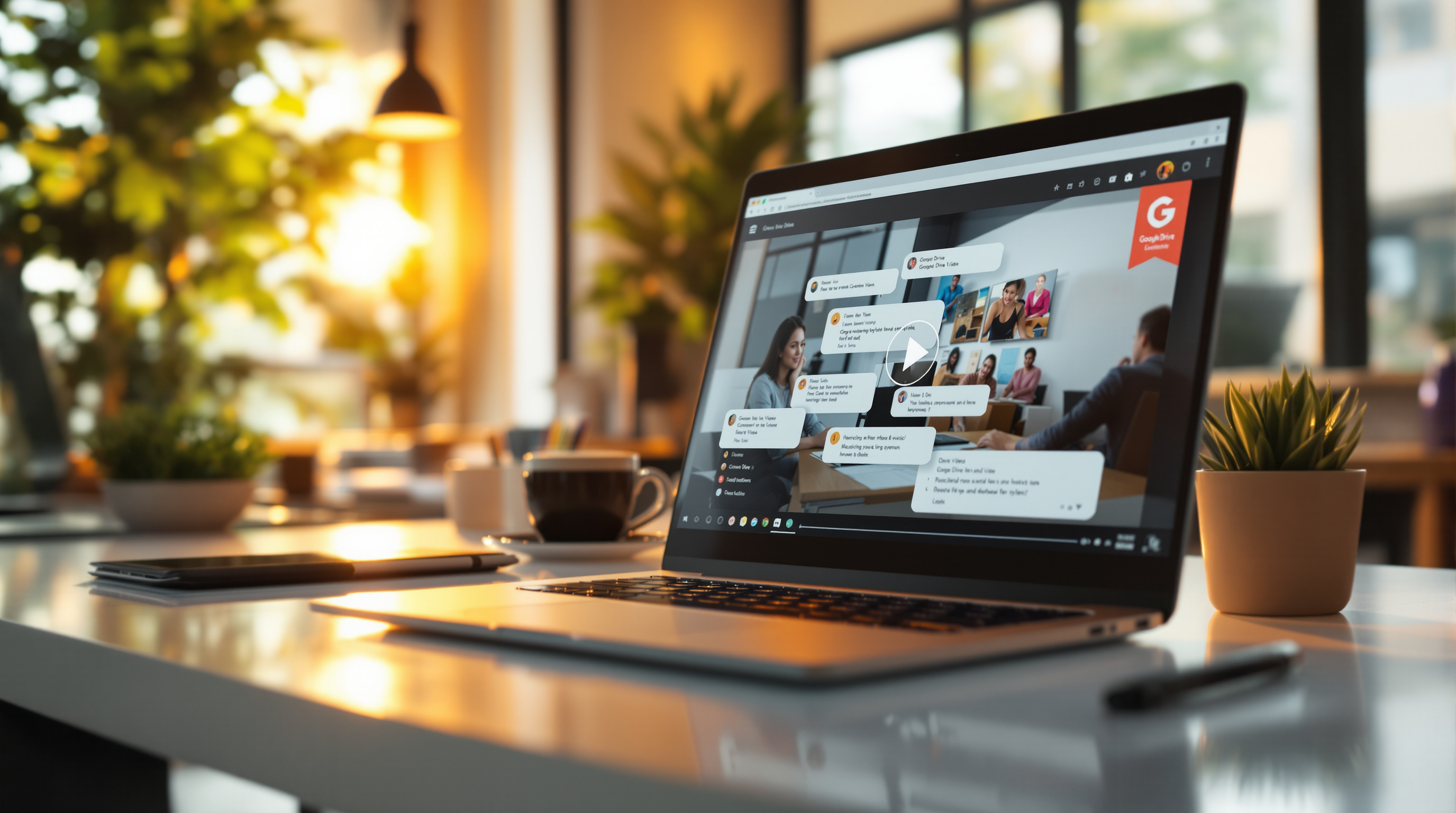
Now you can add timestamped comments directly on videos in Drive. Click at 2:34, leave your note, and whoever's reviewing knows exactly where to look. Simple, but it saves real time. Think about it: your marketing team reviewing a promo video, or your HR department giving feedback on onboarding content. No more back-and-forth emails asking "wait, which section?"
Google Meet Notes Now Capture What's on Screen
The "Take notes for me" feature in Meet already saves you from frantically typing during calls. Now it automatically grabs screenshots of presented content and drops them right into your meeting notes.
So when your accountant shares those quarterly figures, or your supplier walks through a product catalog, you'll have the actual visuals in your notes doc—not just a summary. For businesses running client presentations or internal training sessions, this is genuinely helpful.
Gemini Gets Smarter for Educators
For schools and training organizations across T&T, Google's expanding Gemini access in Classroom to students of all ages (with admin approval). There's also a new feature that lets teachers generate rubrics automatically based on assignment context.
If you're running a corporate training program or managing an educational institution, these updates cut down prep time significantly.
Keep Your AI Notebooks Current—Automatically
Using Gemini Notebooks in Workspace Studio? You can now set up automated workflows to add sources to your notebooks on a schedule. No more manually updating them every time you have new content. Pull from Drive files, web links, or YouTube—your research stays fresh without the busywork.