
Microsoft 365 Copilot: Turning Word, Excel, and PowerPoint into Workflow Assistants
Most businesses already use Word, Excel, and PowerPoint every day.
The problem is not that staff lack tools. The problem is that too much time is still spent formatting documents, rebuilding spreadsheets, updating presentations, rewriting content, and turning raw information into something useful.
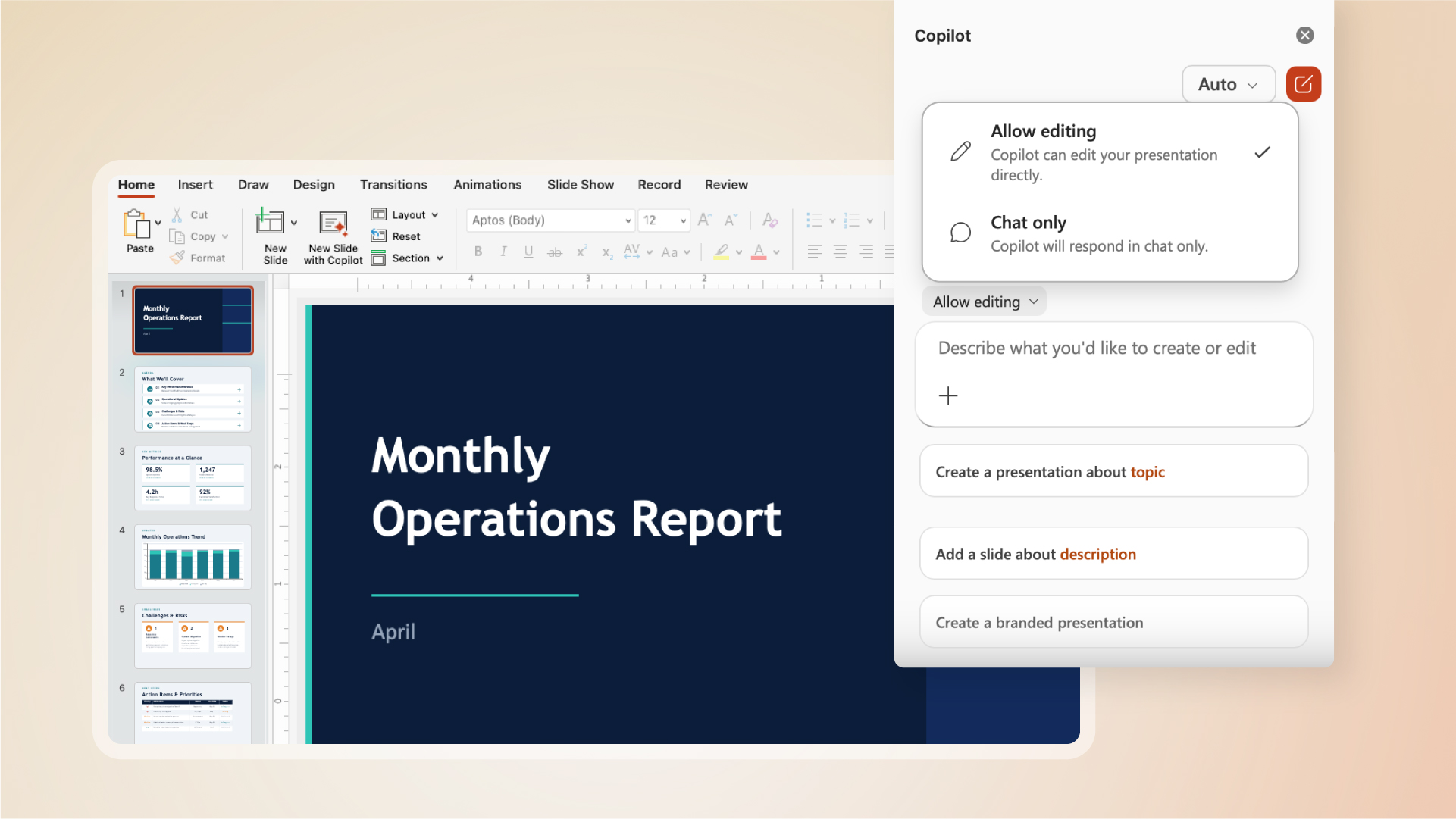
Microsoft’s latest Copilot update is important because it moves Copilot closer to the work itself. According to Microsoft, agentic capabilities in Word, Excel, and PowerPoint are now generally available, allowing Copilot to take multi-step, app-native actions directly inside documents, worksheets, and presentations.
For Blue Chip clients, that means Microsoft 365 Copilot is becoming less of a chatbot beside the work and more of a workflow assistant inside the apps employees already use.
What changed
Earlier AI tools were often useful for suggestions, summaries, or first drafts. The limitation was that the user still had to take the advice and manually apply it across the document, spreadsheet, or presentation.
Microsoft is now positioning Copilot as a more active assistant inside the Office apps. It can help with tasks such as drafting, restructuring, formatting, building visuals, transforming data, and updating content while the user remains in control of the final output.
That distinction matters.
A business user does not only need an answer. They need the document improved, the spreadsheet cleaned up, or the presentation updated so work can move forward.
How this can improve everyday workflows
In Word, Copilot can help staff move from a blank page to a usable business document faster. That could mean drafting a proposal, rewriting a policy, adjusting tone for a customer audience, or restructuring a long document so it is easier to read.
In Excel, Copilot can help users explore data, explain trends, create formulas, build tables, and turn questions into analysis. This is useful for teams that depend on spreadsheets but do not always have advanced Excel skills available.
In PowerPoint, Copilot can help update presentations, add current talking points, refresh data, and improve the story behind a deck. That can save time for sales teams, managers, trainers, and anyone preparing internal or customer-facing presentations.
The practical benefit is simple: less time fighting the tool, more time reviewing the result and making good decisions.
Control still matters
For business use, AI cannot be allowed to operate without review.
Microsoft’s article emphasizes that users need to review changes, keep what they want, and stay confident that structure, style, and brand preferences are respected. Blue Chip agrees with that approach.
Copilot should help accelerate work, but staff still need to check accuracy, formatting, customer details, financial figures, and sensitive information before anything is shared.
This is especially important for finance spreadsheets, legal or HR documents, customer proposals, board reports, and any document that leaves the company.
Where Blue Chip can help
Microsoft 365 Copilot can be powerful, but only if it is deployed properly.
Before rolling it out broadly, businesses should think about:
- which users actually need Copilot licenses
- whether documents are stored correctly in OneDrive and SharePoint
- whether permissions are clean enough for AI-assisted search and drafting
- whether staff understand what Copilot should and should not be used for
- whether sensitive data is properly protected
- how teams will review AI-assisted work before sending it to customers
- how the business will measure whether Copilot is saving time
Blue Chip can help clients review Microsoft 365 licensing, SharePoint and OneDrive structure, Teams usage, security policies, user permissions, and Copilot readiness before adoption.
That preparation matters. Copilot works best when Microsoft 365 is already organized, secured, and aligned with the way the business operates.
A good next step
If your business already uses Microsoft 365, this is a good time to review your daily workflows.
Where are staff spending too much time formatting documents? Which reports are rebuilt manually every week? Which presentations are constantly updated from the same source information? Which teams are using spreadsheets as mini databases because there is no better process?
Those are the places where Microsoft 365 Copilot may deliver real value.
The goal is not to add AI for the sake of AI. The goal is to make Word, Excel, and PowerPoint help your team complete real work faster, with better consistency and less friction.
Source: Microsoft 365 Blog — Copilot’s agentic capabilities in Word, Excel, and PowerPoint are generally available.