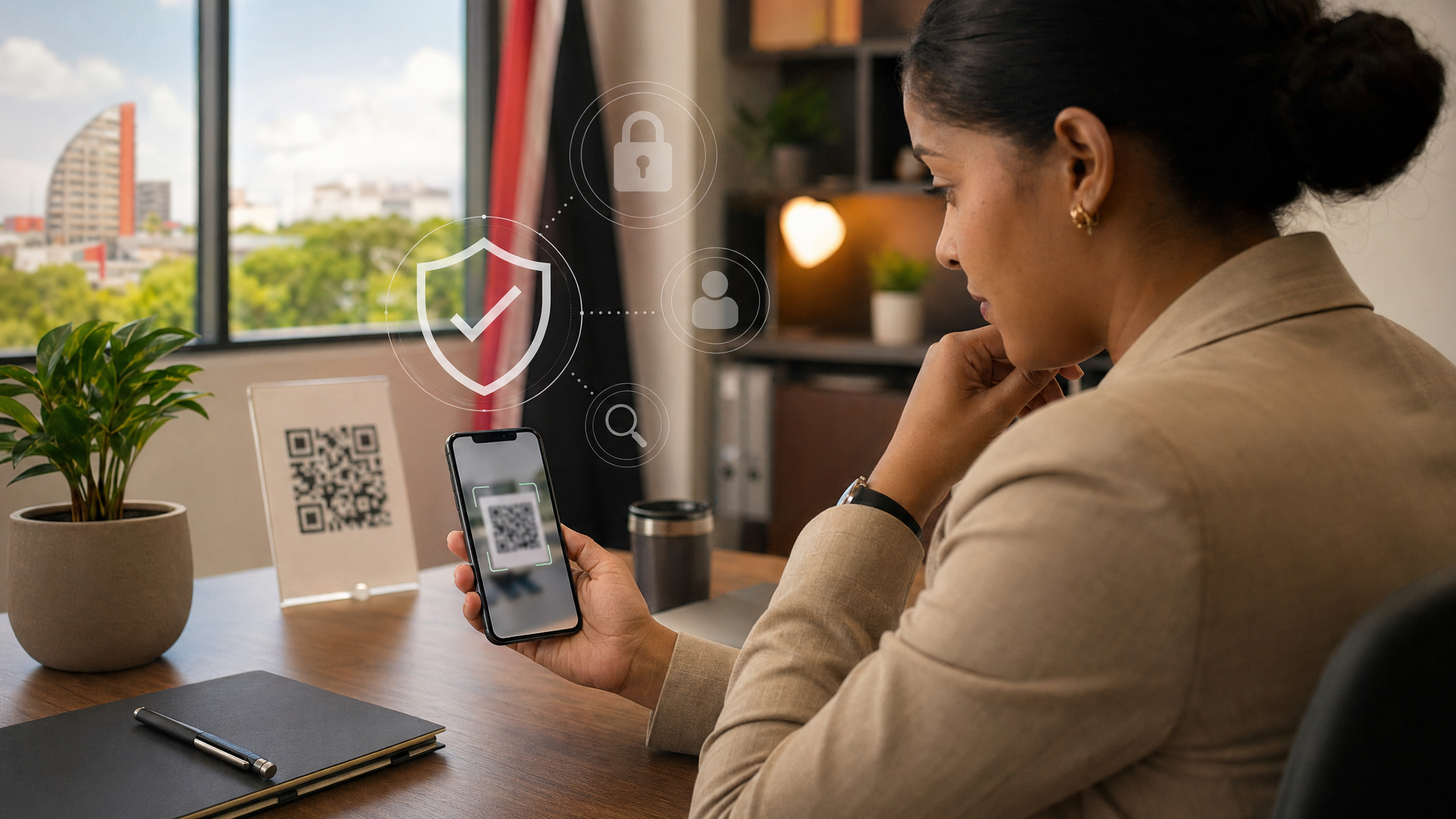
QR Codes Are Convenient — Pause Before You Scan
QR codes are now part of everyday business life. We use them to open menus, pay for parking, collect event details, sign in to services, and quickly move from paper to a website.
That convenience is exactly why attackers like them too.
A QR code is just a link you cannot read with your eyes. When you scan it, your phone or computer has to reveal where it is trying to send you. Most QR codes are harmless, but a malicious one can send you to a fake login page, a fake payment page, or a site designed to collect passwords, credit card details, or other personal information.
For office users, this matters because a scam QR code may not look like a traditional phishing email. It may arrive as a PDF attachment, an invoice, a delivery notice, a message about an account problem, or even a printed sticker placed over a legitimate code in a public location.
Why QR-code scams work
The trick is urgency. A message may say a package cannot be delivered, an account needs to be confirmed, suspicious activity was detected, or a payment must be made right away.
That pressure is the warning sign.
If the QR code takes you to a page asking for Microsoft 365, Google, banking, credit card, or company login details, stop and check before entering anything. A fake page can look professional enough to fool a busy person, especially on a phone screen where the address bar is small.
Simple checks before scanning
Before scanning or using a QR code, take a few seconds to check the context.
Do:
- Scan only when you expected the QR code and understand why it is needed.
- Look at the website address before opening or signing in.
- Watch for misspellings, odd domains, extra words, or addresses that do not match the real company.
- Use the official website or app directly if money, passwords, or sensitive business information are involved.
- Keep your phone updated and protect important accounts with strong passwords and multi-factor authentication.
Do not:
- Scan a QR code in an unexpected email or text just because it says the matter is urgent.
- Enter your work password into a page opened from an unverified QR code.
- Trust a QR code stuck over another code on a sign, counter, parking meter, or payment point without checking it.
- Download a new QR-scanner app just because a message tells you to. Your phone's built-in scanner is usually the safer option.
- Approve payments or account changes based only on a QR code message.
When a QR code appears in business email
Be especially cautious with QR codes in email attachments and messages. Some attackers use QR codes because normal email security tools may treat the code as an image instead of a clickable link. The employee then scans it with a personal phone, which may not have the same protections as the office computer.
If the message claims to be from Microsoft, a courier, a bank, a supplier, or a customer, do not rely on the QR code to confirm it. Go to the known website yourself, use the official app, or contact the company using a number you already trust.
If you are unsure
Pause and ask for a second look. Send the message to your IT support team, manager, or security contact before scanning or signing in. If you already scanned the code and entered a password, change that password immediately, enable MFA if it is not already on, and report it so the account can be checked.
For business payments, bank details, payroll, supplier portals, or Microsoft 365 sign-ins, it is always better to verify first than to recover later.
QR codes are useful. The safe habit is simple: treat them like hidden links, slow down when they create urgency, and never enter sensitive information until you have confirmed the destination is real.
Sources: FTC Consumer Advice — Scammers hide harmful links in QR codes to steal your information; FTC Consumer Advice — Scam alert: QR code on an unexpected package; UK National Cyber Security Centre — QR Codes: what's the real risk?.