If you're running an IT services business in Trinidad and Tobago—or managing IT for multiple client sites—you know the headache of dealing with different backup setups for different customers. One client wants everything on-site. Another prefers you handle it from your office. A third has three branch locations across the islands and limited IT staff at each.
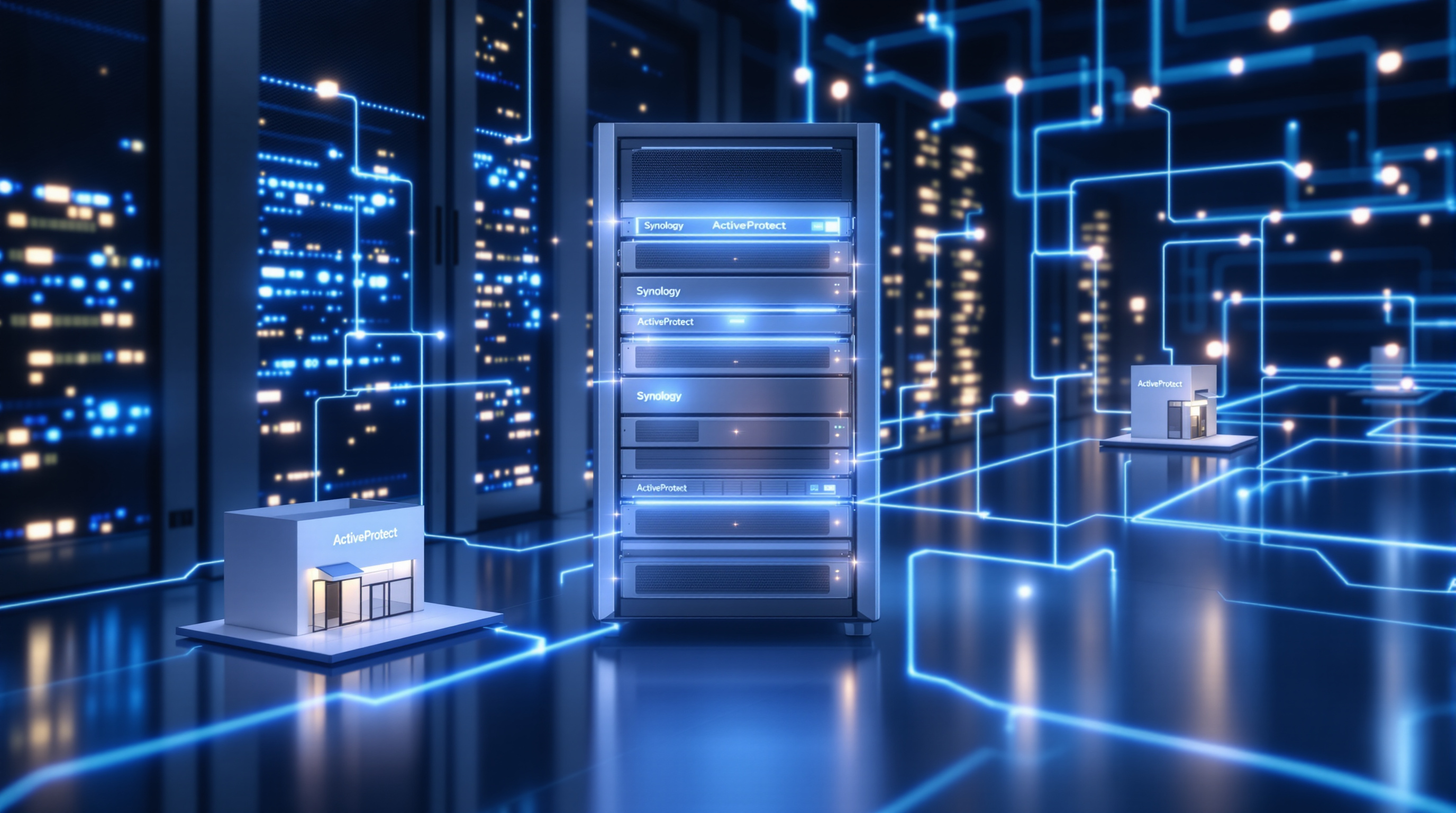
Synology's ActiveProtect appliances give you one platform that actually handles all of these scenarios. No juggling separate backup systems or learning different management consoles for each deployment type.
One Platform, Multiple Ways to Deploy
Here's what makes this practical for local service providers and multi-site businesses:
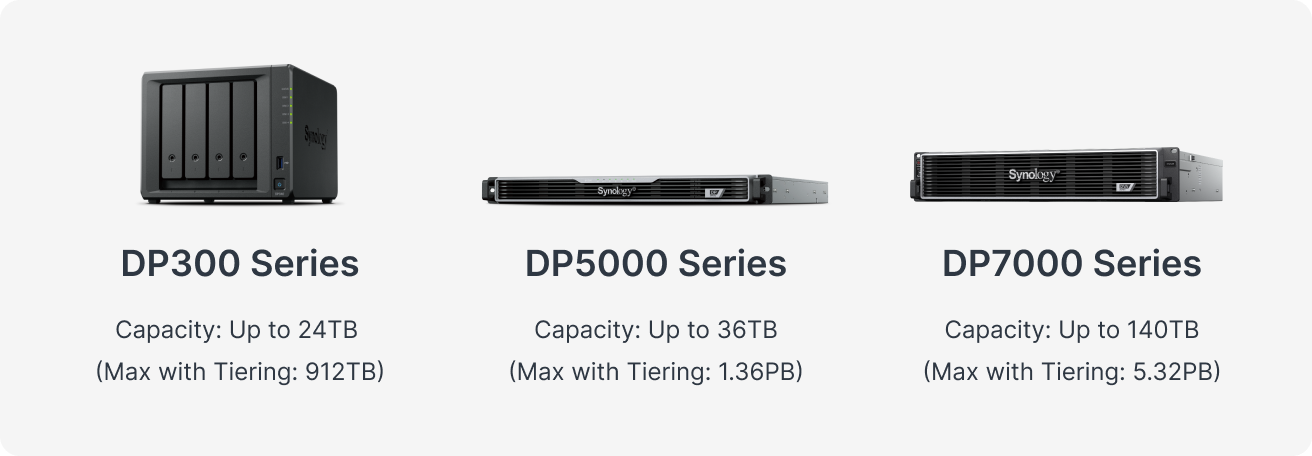
DP300 Series – Perfect for branch offices or smaller client sites. Think of a retail chain with locations in Chaguanas, San Fernando, and Port of Spain. Each site gets local backup without needing a full server room setup.
DP5000 Series – The middle ground. Deploy it at a client site with heavier data volumes, or use it as your starting point for offering backup-as-a-service from your own facility.
DP7000 Series – Built for service providers managing multiple clients from a central location. One console, multiple tenants, high capacity.
Two Deployment Models That Actually Work
Centralized (You Host Everything)
Your clients' data backs up directly to ActiveProtect appliances in your data center. They don't maintain any backup hardware on their end—you handle it all. This works well for clients without dedicated IT staff, which, let's be honest, describes plenty of small businesses here.
You get better resource utilization since you're not leaving capacity sitting idle at individual client sites.
Client-Hosted with Off-Site Replication
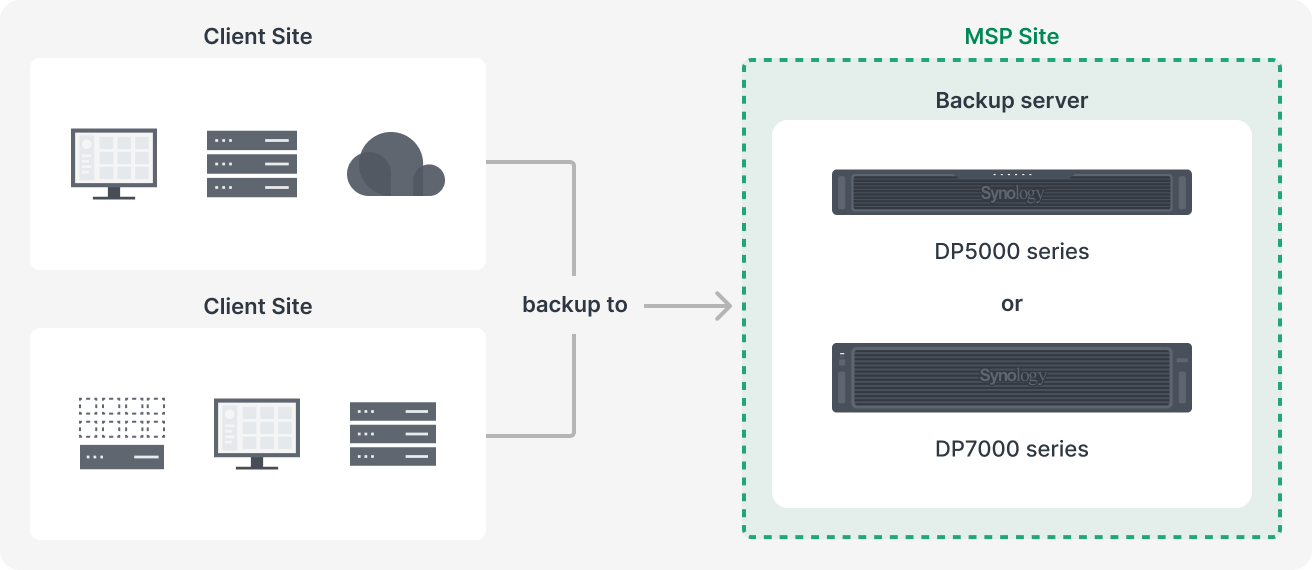
The client keeps an appliance on-site for fast local recovery. Backup copies replicate to your environment—or to cloud storage like Synology C2 or Wasabi—for disaster recovery.
This is the setup you'd want for clients who can't afford downtime. A manufacturing company in Point Lisas, for example, needs to restore files fast when something goes wrong, but also needs that off-site copy in case of fire, flood, or ransomware.
Less Manual Work, Fewer Late Nights
ActiveProtect comes pre-configured—hardware, software, and storage already integrated. No spending days getting components to play nice together.
A few things that save time after deployment:
- Auto-protection for SaaS accounts – New employee joins, their Microsoft 365 account gets backed up automatically. Someone leaves, it's excluded. No manual updates every time HR sends you an email.
- Built-in backup verification – The system tests that backups are actually recoverable and records video proof. Useful when a client asks "are you sure this will work when we need it?"
- SNMP monitoring – Track appliance health through your existing monitoring tools.
Let's Talk About Your Backup Strategy
Whether you're an IT service provider looking to offer backup services, or a business with multiple locations needing a unified approach, we can help you figure out which ActiveProtect setup makes sense.
Get in touch with Blue Chip:
- 📞 Call us: 1 (868) 609-2288
- 💬 WhatsApp: Send us a message
- ✉️ Email: [email protected]
- 🌐 Contact form: bluechiptt.com/contact