When a staff member leaves and customers keep calling their personal WhatsApp number, those customers leave with them. The chat history, the call logs, the relationship—all of it sits on a phone the business never owned, tied to a number it cannot reclaim. This isn't a loyalty problem or a trust problem. It's a structural problem, and it happens to businesses everywhere, usually without anyone deciding it should.
How a personal number quietly becomes the company number
It starts innocently. One salesperson finds it easier to message a client on WhatsApp than to play phone tag. The client responds faster. Deals close quicker. Other staff notice and do the same. Within a few months, half your customer relationships live on personal phones, and nobody made a policy decision—it just accumulated.
The WhatsApp and WhatsApp Business apps work brilliantly for individuals. That's what they were designed for. But a team isn't an individual, and a business relationship shouldn't depend on which staff member happened to make first contact.
What the business actually loses in that arrangement
When customer conversations happen on personal WhatsApp numbers, the business gives up more than it realises:
- The contact relationship. The customer saves the staff member's number, not a company number. That's who they'll call next time.
- Chat and call history. Every message, every voice note, every call log lives on a device the business doesn't own and can't access.
- Any form of oversight. No recording, no CDR, no way to know what was promised or when.
- Backup and retention. If the phone breaks, gets lost, or gets wiped, so does the record.
- Access control. There's no offboarding process for a number you never controlled in the first place.
None of this means staff are doing anything wrong. They're doing what works. The problem is the arrangement, not the people.
The day someone leaves
Here's the scenario that catches businesses off guard: a sales rep resigns on good terms, works out their notice, and leaves. Professional, no drama. But three weeks later, a long-standing customer calls "the company" to place an order—except they're calling the number they have saved, which is now the ex-employee's personal phone.
Maybe the former staff member forwards the message. Maybe they don't. Maybe they've already started at a competitor. The business has no visibility and no recourse.
This isn't hypothetical. It happens constantly, across every industry, in every country. The only variable is how long it takes the business to notice.
Customer data on a device you do not control
Organisations handling sensitive information usually have obligations around confidentiality, access control, and record-keeping. These differ by country and sector, and you'd need to check your own [verification required]. But the principle is consistent: customer data should sit within systems the business controls.
A personal WhatsApp number on a personal phone sits outside all of that. It's outside your backup schedule, outside your retention policy, outside your access logs, and outside any offboarding checklist. When the device walks out the door, so does everything on it.
This isn't about encryption—WhatsApp's voice calling is end-to-end encrypted between the calling parties, which is more than traditional landline or mobile calls offer. The issue is who has access to the device, the account, and the history. Encryption in transit doesn't help if the wrong person still has the phone.
A business number, with staff as extensions
The fix isn't to abandon WhatsApp. Customers like it. They already have the number saved. Asking them to switch to something else creates friction you don't need.
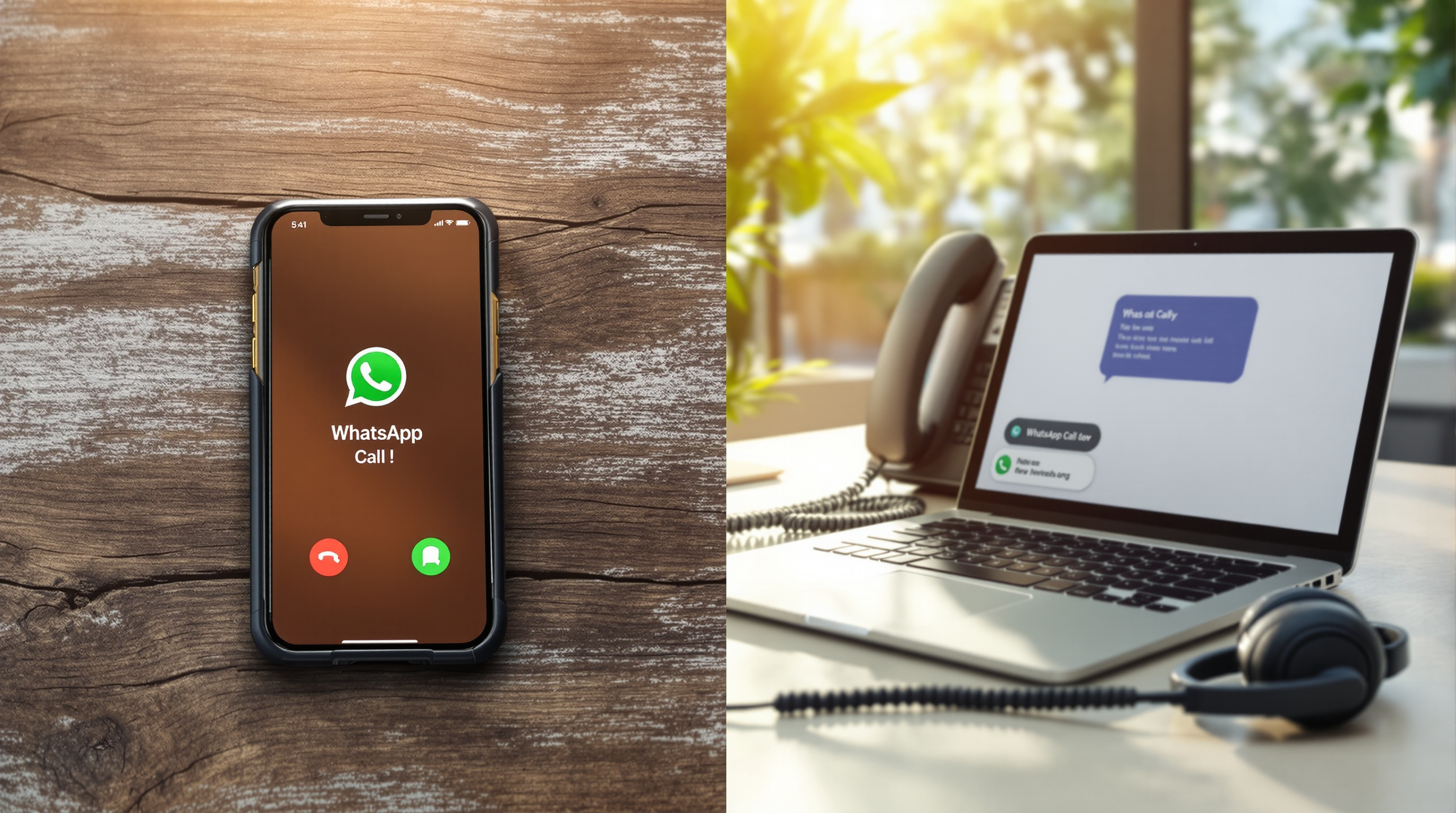
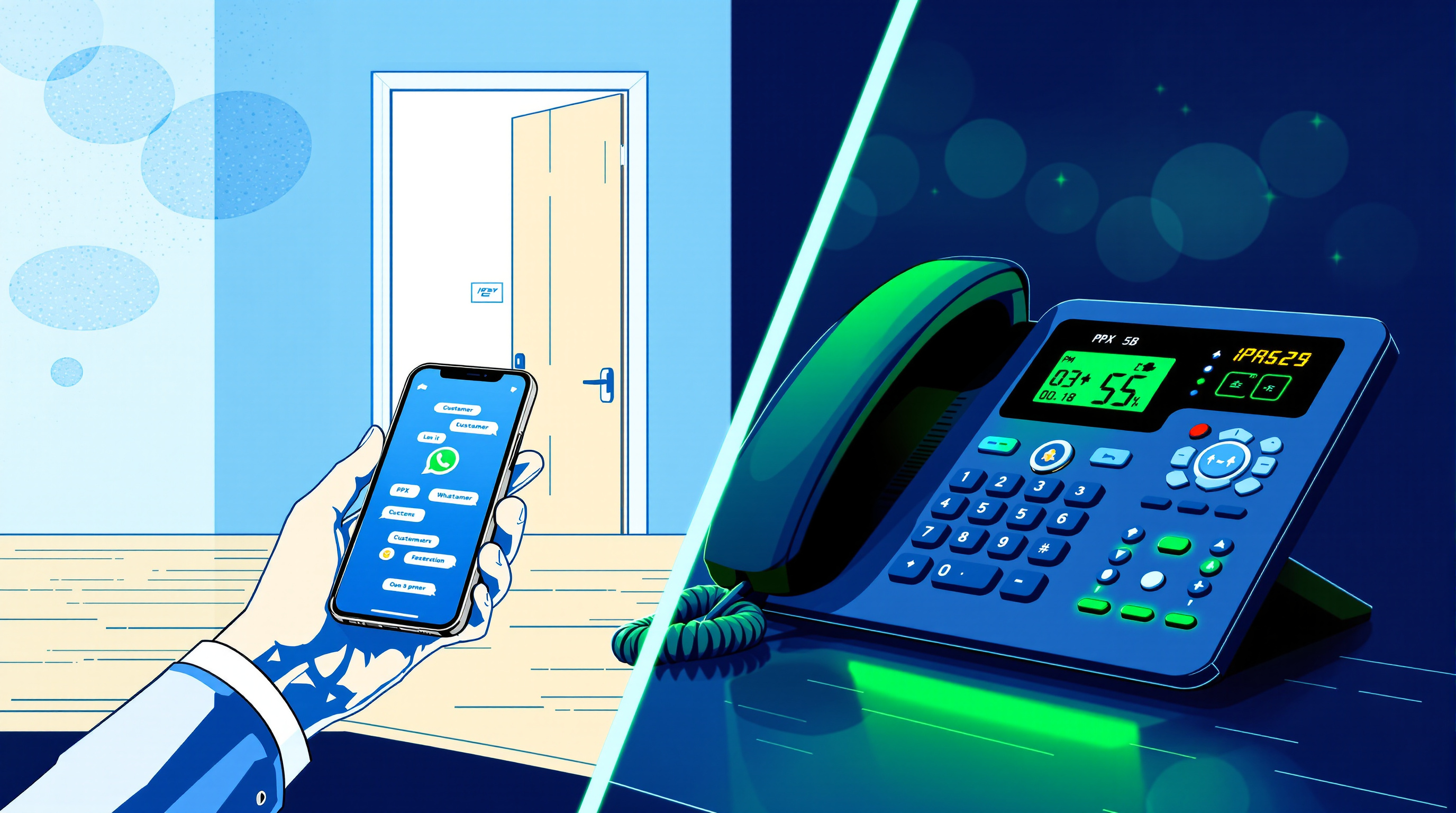
The fix is to make WhatsApp calls work like every other business call: a company-owned number, with staff answering as extensions who can be added, removed, or reassigned without touching the number itself.
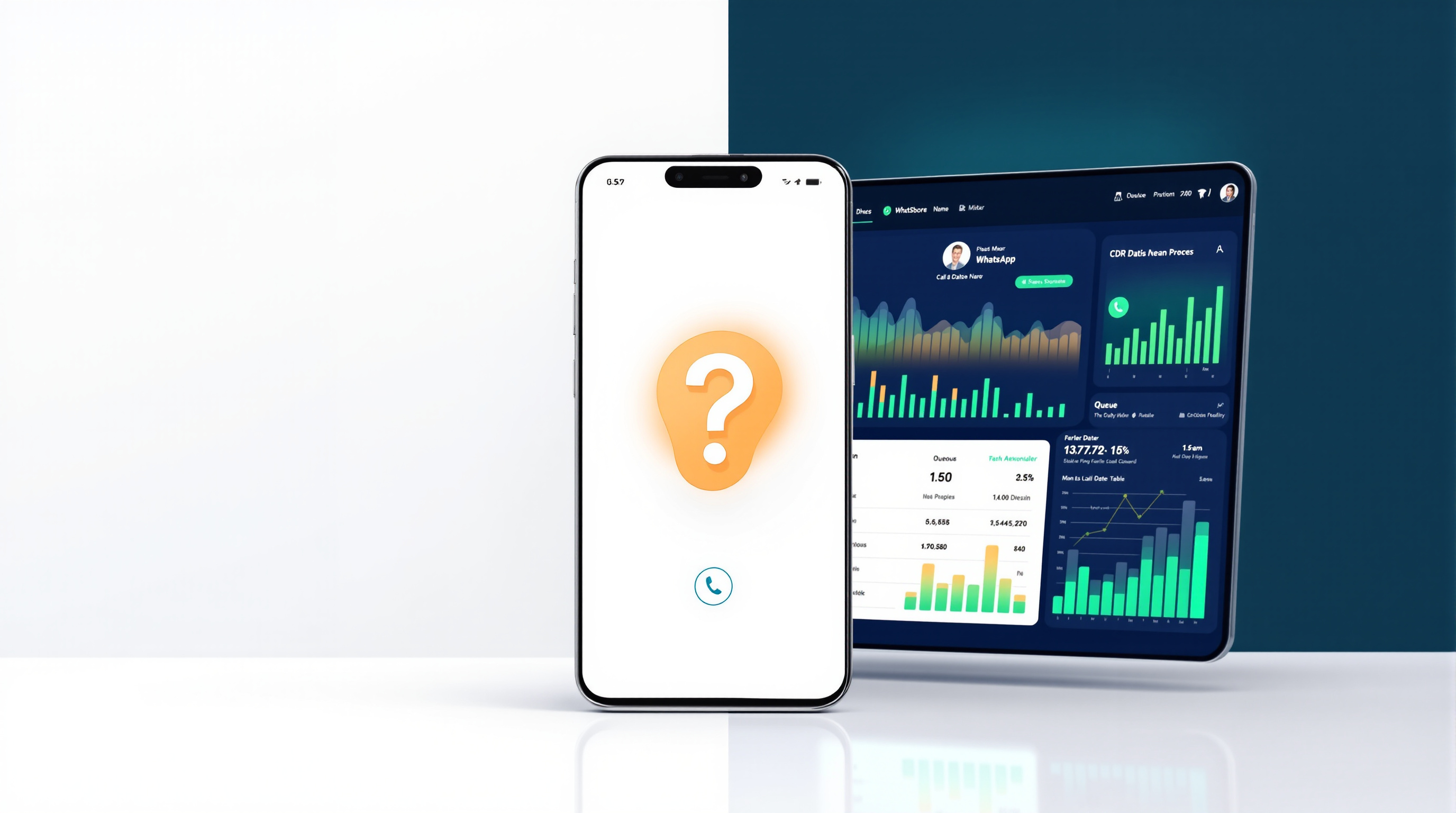
SIP for WhatsApp bridges WhatsApp voice calls into a SIP-based IP PBX. Inbound calls can ring desk phones, softphones, a ring group, a queue, or an AI receptionist. Calls can be transferred between agents. Recording, CDR, and reporting policies already configured on your PBX apply automatically. Business-hours schedules mean the phone isn't ringing on someone's bedside table at midnight.
Critically, this solves the one-call-at-a-time limitation. The regular WhatsApp app handles one call per number. The SIP bridge supports simultaneous concurrent calls on the same WhatsApp number, sized in blocks of two—so you can handle real call volume without adding numbers.
The WhatsApp number stays yours. You register it yourself, on your own device, typically by scanning a QR code to link it to the gateway. Blue Chip Technologies Ltd. provides and manages the gateway; you keep the number and account.
Offboarding that takes a minute instead of a negotiation
When staff are extensions rather than number owners, offboarding is straightforward. Disable the extension. The number stays with the business. The call history stays in the PBX. Customers calling that number reach whoever you assign next.
No awkward conversations about forwarding calls. No hoping the departing employee remembers to update customers. No wondering what information walked out the door.
This works with 3CX, Asterisk/FreePBX, PortSIP, and similar SIP-based platforms. If you're already running an IP PBX, you're adding a channel, not replacing a system.
Frequently asked questions
Can customers tell the difference when they call?
No. They dial the same WhatsApp number they always have. The call just routes through your PBX instead of ringing a single mobile.
What happens if I need to handle more than one call at a time?
The SIP bridge supports concurrent calls on the same WhatsApp number, sized in blocks of two. Regular WhatsApp apps handle one call at a time per number.
Who owns the WhatsApp number?
You do. You register your own WhatsApp or WhatsApp Business number on your own device. Blue Chip Technologies Ltd. provides and manages the gateway—never the number itself.
Does this work with my existing phone system?
It presents to your PBX as a standard SIP trunk. It's compatible with 3CX, Asterisk/FreePBX, PortSIP, and similar SIP-based systems.
If your customer relationships currently live on personal phones, you're one resignation away from losing access to them. That's not a people problem—it's an infrastructure gap with a straightforward fix.
Blue Chip Technologies Ltd., based in Trinidad & Tobago with local support available there, can walk you through how SIP for WhatsApp works with your existing setup. Visit the solution page to see the details and request a quote, or reach out directly:
- Phone: 1 (868) 609-2288
- WhatsApp: wa.me/18686092288
- Email: [email protected]
- Contact page: bluechiptt.com/contact