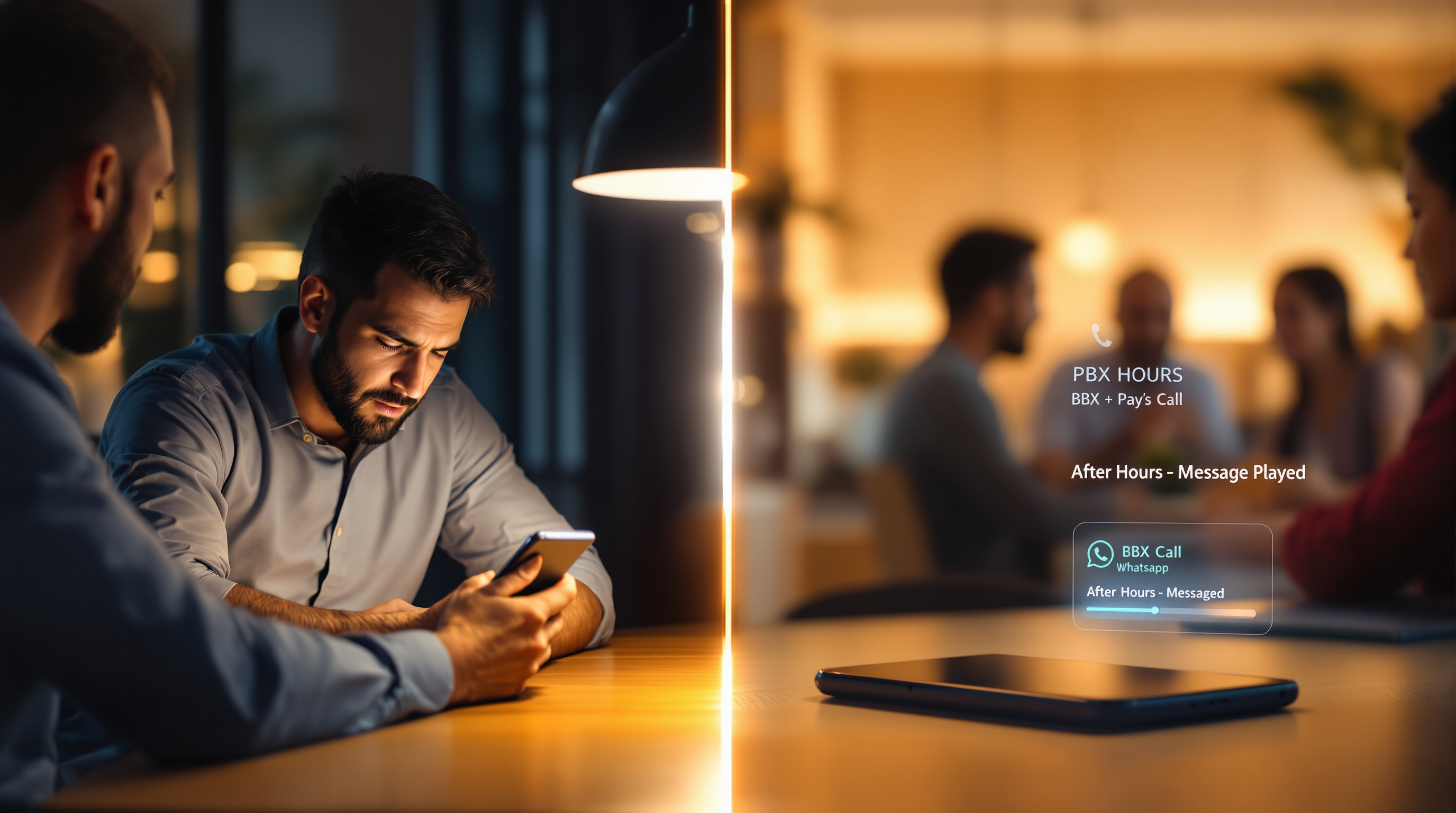
When a customer calls your WhatsApp number at 9pm, someone has to decide what happens. With a mobile handset, that decision falls on whoever's pocket the phone is in—or nobody, if the phone's been left on a desk. A PBX with SIP for WhatsApp changes this: inbound WhatsApp voice calls follow the same business-hours schedules, after-hours announcements and night-service rules as your regular phone lines. The phone rings during work hours, plays a professional message outside them, and your staff get their evenings back.
The 9pm WhatsApp call
Picture it: you've given customers a WhatsApp number because it's convenient for them. They save it, they call when they have a question. Works perfectly—until the questions arrive at half-past nine on a Tuesday night.
On a mobile handset, there's no schedule. The phone rings, someone's personal evening gets interrupted, and now you've got an unwritten expectation that this person is on-call indefinitely. Or worse, nobody answers, the caller gets silence, and you've no idea the call even happened until morning.
This isn't a flaw in WhatsApp. The app does exactly what it was designed to do: connect people, one call at a time, on a personal device. The problem is when you've quietly turned a personal device into your business's main customer line without any of the policies a business line needs.
Why a handset has no closing time
A desk phone plugged into a PBX knows what time it is. Or rather, the PBX knows, and routes calls accordingly. After 6pm, calls might go to voicemail, or to a night service message, or to an on-call rotation—whatever you've configured.
A WhatsApp handset doesn't know any of this. It rings when it rings. There's no setting that says "after 5:30pm, play a message and take a voicemail." There's no way to say "on weekends, route to our emergency line." The app assumes you're a person who either answers or doesn't.
And that creates a strange situation: your most convenient customer channel is also your least controllable one. Regular phone lines have schedules. Your WhatsApp line doesn't. So either someone's always on, or customers hit a wall of silence with no explanation.
Schedules, announcements and night service
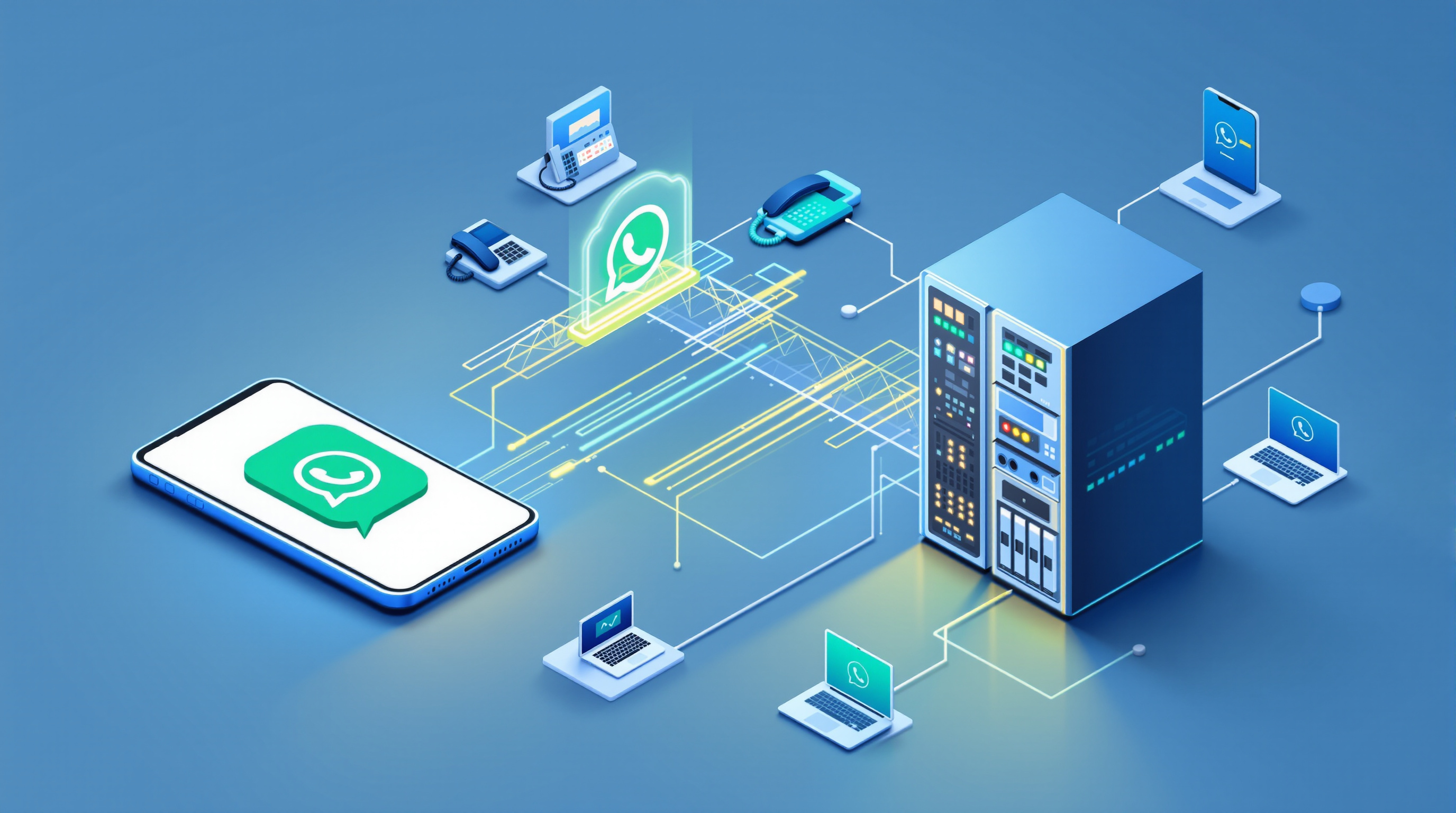
When WhatsApp voice calls arrive through a SIP trunk instead of a handset, they become ordinary PBX traffic. That means every scheduling feature you already use for landline calls now applies.
Here's what that looks like in practice:
Business hours routing: During working hours, WhatsApp calls ring your configured extensions, ring groups or queues—just like any other inbound call.
After-hours announcement: Outside those hours, callers hear a recorded message. Something like: "Thanks for calling. Our office is open Monday to Friday, 8am to 5pm. Please leave a message or call back during business hours."
Night service options: Depending on your PBX setup, you might offer voicemail, route to an AI receptionist, or forward urgent calls to a specific mobile. The point is you've made a decision in advance, not in the moment.
Holiday schedules: Public holidays, company closures, annual leave periods—all configurable. The system knows December 25th isn't a normal Tuesday.
This is standard PBX functionality. What's new is applying it to WhatsApp traffic for the first time. Your customers keep calling the same number they've always used. They just get a proper business experience regardless of when they call.
Giving staff their evenings back without ignoring customers
The real benefit here isn't technical—it's human. When there's no schedule, someone ends up being the unofficial after-hours person. Maybe it's the business owner. Maybe it's whoever drew the short straw. Either way, they're carrying the company's customer service in their pocket 24/7.
That's not sustainable, and it's not fair.
With scheduled routing, you're not ignoring customers. You're setting clear expectations. A caller at 9pm hears a professional message, knows when to call back, and can leave a message if it's urgent. Meanwhile, your staff member is having dinner with their family instead of fielding calls about invoice queries.
It's worth noting the scalability point here too: the regular WhatsApp app handles one call at a time per number. Through the SIP bridge, the same WhatsApp number can handle simultaneous calls—capacity is sized in blocks of two concurrent calls, with a minimum of two per number. So during busy periods, calls queue properly instead of bouncing off a busy handset.
Setting expectations callers will accept
Some businesses worry that after-hours messages will frustrate customers. In practice, the opposite tends to be true. What frustrates people is uncertainty: the phone rings and rings, nobody answers, no message, no indication of when to try again.
A clear announcement sets expectations. "We're closed, here's when we open, here's how to leave a message" is information. Silence is just confusing.
You can also use this to manage urgent situations. If your business genuinely needs 24/7 availability for certain issues, configure that. Route specific call types to an on-call number. The point isn't that everyone must close at 5pm—it's that you've made a conscious decision about what happens when, instead of leaving it to chance and whoever happens to have the phone.
Frequently asked questions
Do callers know they're being routed through a PBX?
No. From the customer's perspective, nothing changes. They call the same WhatsApp number they've always used, and it either connects during business hours or plays your after-hours message. The routing happens behind the scenes.
Can I still have someone answer WhatsApp calls outside business hours if needed?
Yes. Night service can route to a specific extension, an on-call mobile, or even an AI receptionist. You configure what happens—the schedule just ensures it's deliberate rather than accidental.
What happens to missed after-hours calls?
They appear in your PBX's call detail records like any other missed call. You can review them in the morning and call back. If you've enabled voicemail, you'll have messages waiting too.
Does this work with my existing PBX?
The bridge presents as a standard SIP trunk, so it works with SIP-based systems like 3CX, Asterisk/FreePBX, PortSIP and similar platforms. Your WhatsApp number stays yours—you register it yourself, typically by scanning a QR code to link your app to the gateway.
If your WhatsApp line has quietly become an always-on obligation for someone on your team, it doesn't have to stay that way. Blue Chip Technologies Ltd., based in Trinidad & Tobago, provides the SIP for WhatsApp gateway that brings your WhatsApp voice calls into your PBX—with all the scheduling, routing and reporting that implies. Local support is available for businesses in Trinidad & Tobago, and the solution works with SIP-based PBX platforms worldwide.
Ready to give your team their evenings back? Visit the solution page to see how it works and request a quote. Or if you'd rather just talk it through:
- Phone: 1 (868) 609-2288
- WhatsApp: wa.me/18686092288
- Email: [email protected]
- Contact page: bluechiptt.com/contact