If your team takes customer calls on WhatsApp but you've no idea how many calls came in yesterday, who answered them, or how long people waited, you're not alone. WhatsApp voice calls made to a mobile handset don't generate call detail records, queue statistics, or recordings. The busiest channel in your business might be the one you know least about. Bridging those WhatsApp calls into your IP PBX changes that—every call gets logged, measured, and optionally recorded, just like calls on your main business lines.
The channel nobody can measure
Here's the situation plenty of businesses find themselves in: customers prefer calling the WhatsApp number because it's already saved in their phones. Staff answer on a handset, and the calls get handled. But when the sales manager asks "how many enquiries did we get last week?", nobody can say. When a customer disputes what was agreed on a call, there's no recording. When the queue feels long, there's no data to confirm whether it actually is—or whether one person is simply overwhelmed.
The WhatsApp and WhatsApp Business mobile apps weren't built to be a call centre. They do exactly what they were designed to do: let one person take one call at a time on a phone. That's fine for a sole trader. It stops working the moment two customers ring at once, or when you need to transfer a call, or when someone asks what happened on a call last Tuesday.
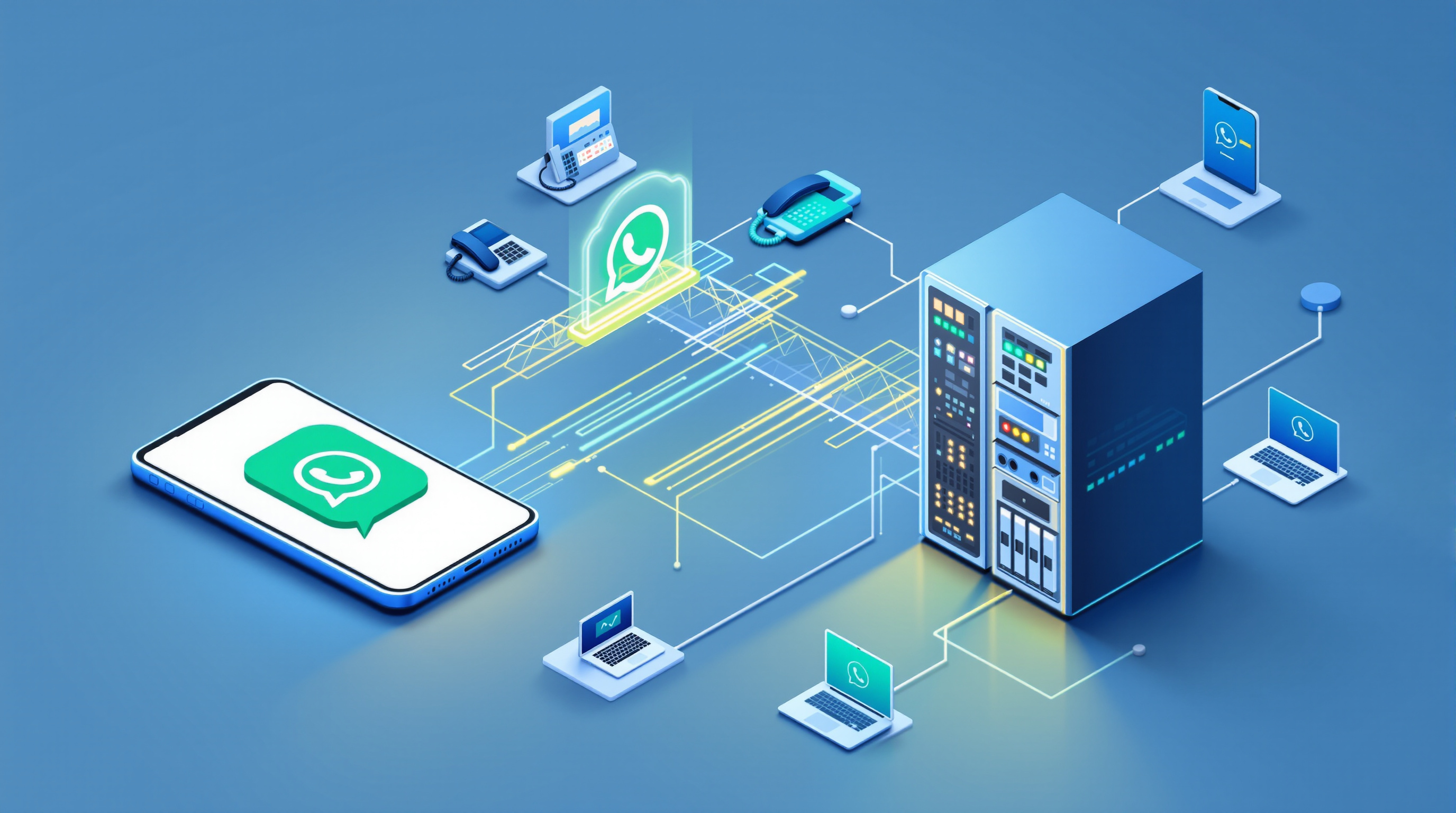
The answer isn't to abandon WhatsApp—your customers already have that number saved. The answer is to bring those calls into a system that was designed for teams: an IP PBX. With SIP for WhatsApp, inbound WhatsApp voice calls arrive at your PBX as a SIP trunk. They ring desk phones, softphones, queues, ring groups—whatever routing you've already set up. And critically, they get logged.
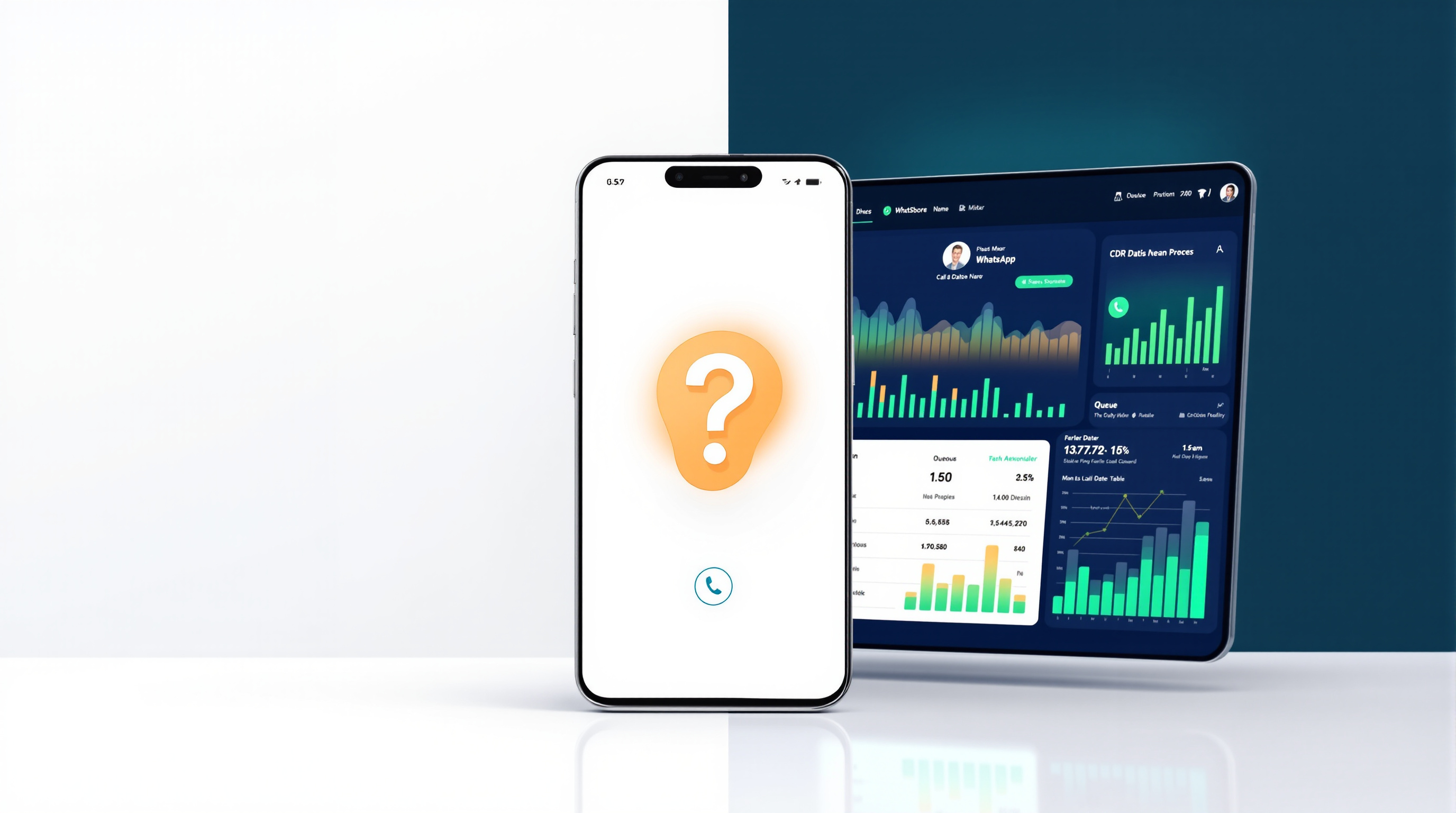
What CDR and recording give you
Once WhatsApp calls flow through your PBX, they're subject to the same call detail record (CDR) and recording policies as every other call. That means:
- Volume: How many WhatsApp calls came in today, this week, this month.
- Answer rates: What percentage were answered versus abandoned.
- Who handled what: Which extension or agent took each call, and for how long.
- Timestamps: When calls arrived, when they were answered, when they ended.
- Recordings: The actual audio, stored according to your retention policy.
This isn't magic. It's just what a PBX does. The difference is that WhatsApp traffic, which previously happened in a black box, now sits in the same reports as your landline and SIP calls.
For dispute resolution, recordings are often the difference between "he said, she said" and a clear record of what was agreed. For training, they're a way to show new staff what a good call sounds like—and, tactfully, what a difficult one sounds like too.
Queue statistics and the questions they answer
If you're routing WhatsApp calls to a queue (and you probably should be, once volume justifies it), you get queue statistics. These answer the questions managers actually ask:
- How long are callers waiting before someone picks up?
- How many give up and hang up before being answered?
- Are certain times of day consistently worse than others?
- Is one agent taking most of the load while others sit idle?
With the standalone WhatsApp app, none of this is visible. A single handset can only take one call at a time, so there's no queue—just a busy signal or a missed call. With the SIP bridge, you can have simultaneous calls on the same WhatsApp number. Capacity is sized in blocks of two, with a minimum of two concurrent calls per number. Three numbers would mean a minimum of six concurrent calls. Suddenly, busy periods wait in line instead of bouncing.
That data lets you make informed decisions. Maybe you need another person on the phones between 10am and noon. Maybe you don't—but now you actually know.
Consent, policy and doing recording properly
Recording calls isn't something to switch on casually. Different jurisdictions have different rules about consent—some require all parties to agree, others only one party, and some have sector-specific regulations on top of that. Your legal and compliance team (or your solicitor, if you're a smaller outfit) should sign off on how you handle this.
Most PBX systems let you configure announcements—"This call may be recorded for training and quality purposes"—and some allow agents to pause recording during sensitive portions of a call. The point is that bridging WhatsApp into your PBX doesn't force you to record everything blindly. It gives you the option to apply a deliberate, documented policy, the same way you would for any other business line.
If you're in a regulated industry, or you deal with personal data, this is worth getting right from the start. The technology makes recording possible; your policies determine whether and how you use it.
Using the data for coaching rather than scorekeeping
There's a temptation to treat call statistics as a stick. Average handle time too high? Must be slacking. Too many transfers? Must be incompetent. That approach tends to backfire.
The more useful frame is coaching. If one agent's calls consistently run longer, listen to a few recordings. Maybe they're being thorough. Maybe they're struggling to find information. Maybe the customer queries they get are genuinely more complex. You won't know without the data and the audio.
Recordings also help with onboarding. Instead of describing how to handle a tricky customer, you can play an example. Instead of guessing why a deal fell through, you can hear the conversation.
None of this is possible when calls happen on a handset with no logging. The visibility isn't about surveillance—it's about knowing what's actually happening so you can support your team properly.
Frequently asked questions
Do I need to change my WhatsApp number to get call reporting?
No. You keep the same WhatsApp number your customers already have saved. You register it yourself, on your own device, typically by scanning a QR code to link the app to the gateway. Blue Chip Technologies Ltd. provides the bridge and support—the number stays yours.
Will my existing PBX recording and CDR settings apply automatically?
Yes. WhatsApp calls arrive at your PBX as a SIP trunk, so whatever policies you've configured for recording, CDR logging, and retention apply to this traffic the same way they apply to your other lines.
Can I have more than one WhatsApp call at a time?
Yes. The regular WhatsApp app handles one call at a time on a number. With the SIP bridge, you can have simultaneous calls on the same number, sized in blocks of two (minimum two per number).
What about consent for recording?
Recording obligations vary by jurisdiction. You should configure announcements and policies that comply with your local requirements—your PBX will support this, but the decisions are yours to make.
If your WhatsApp line is busy but invisible, it's worth fixing that. Blue Chip Technologies Ltd., based in Trinidad & Tobago, provides SIP for WhatsApp with local support for businesses in the region and remote deployment for organisations elsewhere. Visit the solution page to see how it works and request a quote.
Get in touch:
- Phone: 1 (868) 609-2288
- WhatsApp: wa.me/18686092288
- Email: [email protected]
- Contact page: bluechiptt.com/contact