The quickest way to confuse a customer is to give them a choice of phone numbers. When a business publishes one WhatsApp number for sales, another for support, a third for the warehouse and a fourth because someone in accounts decided they needed their own line, customers don't read the labels—they just call whichever number they saved last year. The result is misdirected enquiries, lost leads, and staff who spend half their day forwarding messages to colleagues. The fix isn't better signage. It's recognising that the reason you added those extra numbers in the first place was a capacity problem, and capacity is already solved: SIP for WhatsApp lets multiple calls happen simultaneously on the same WhatsApp number, so you can route them through your PBX like any other business line.
Why businesses end up with four WhatsApp numbers
It usually starts innocently. One mobile handles customer calls on WhatsApp. Then the business grows, or the person holding that phone goes on leave, and suddenly nobody can answer. The obvious solution? Get another number. Then another.
The underlying issue is that the regular WhatsApp and WhatsApp Business mobile apps can only handle one call at a time per number. If a customer rings while you're already on a call, they get nothing—no queue, no voicemail, just silence or a busy tone. So businesses add numbers to add capacity, which works until you're juggling four handsets and nobody remembers which one the website advertises.
What it costs you at the point of contact
From the customer's perspective, multiple numbers create friction at exactly the wrong moment. They've decided to call you—that's the hard part done—and now they have to figure out which number to use. They might:
- Call the number on an old business card that nobody monitors any more
- Message the sales line when they actually need support
- Give up entirely when the first number they try is engaged
Each of those outcomes is a leak in your sales funnel or your service process. And you won't necessarily know it happened, because the customer who gave up doesn't file a complaint—they just move on.
The measurement problem nobody notices
Here's something that rarely comes up until someone asks: which WhatsApp number brought in that lead?
If you're running three or four numbers across different handsets, attribution is guesswork. There's no centralised call log, no reporting dashboard, no way to see whether your Google ad drove calls to the sales line or whether most enquiries actually came through the support number because that's the one with the better search ranking.
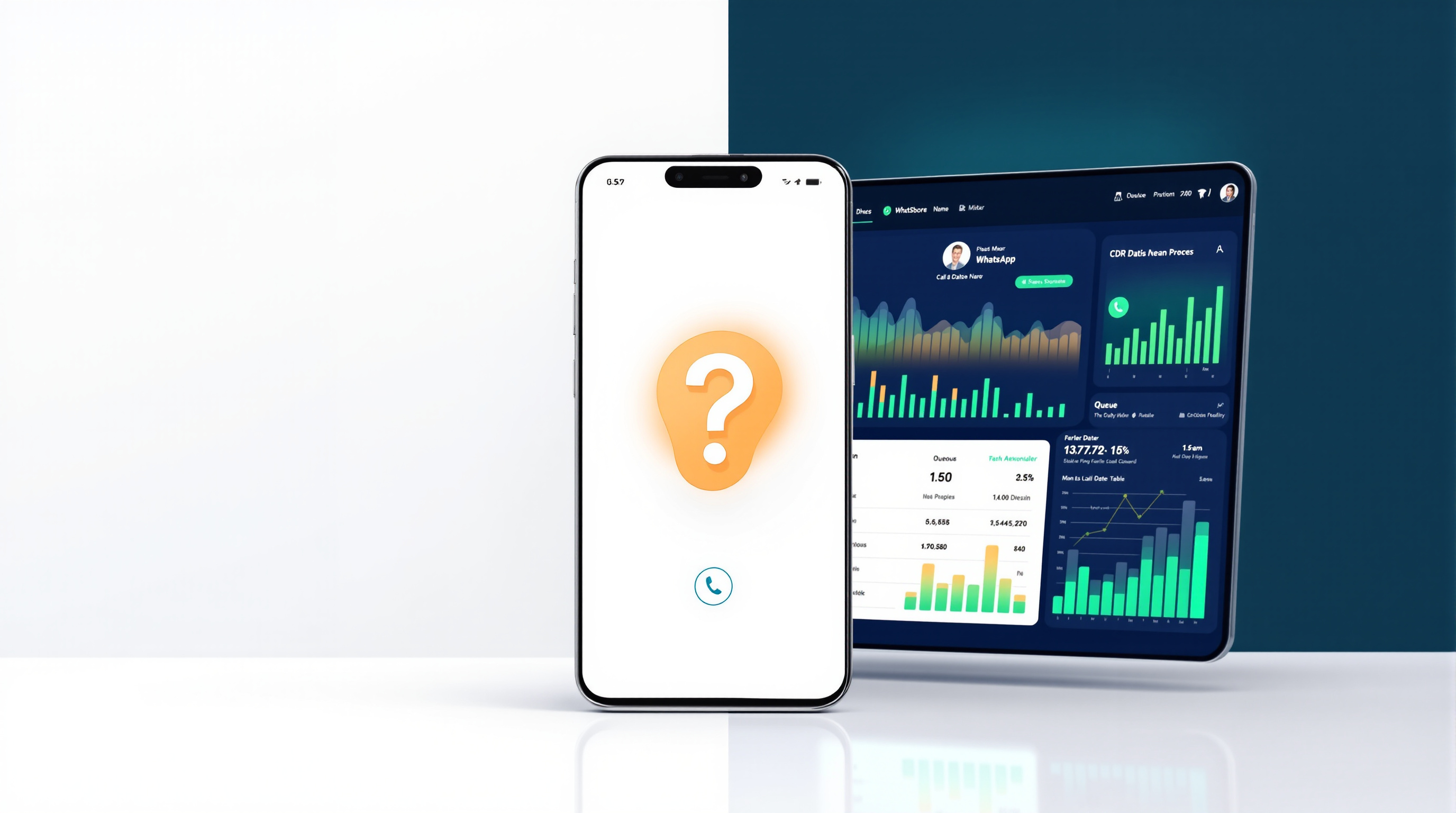
When WhatsApp calls flow through a PBX instead, they land in the same CDR (call detail records) as your other traffic. You can see volume by time of day, missed calls, average handling time—the same data you'd expect from any business phone system. That visibility matters when you're trying to staff appropriately or figure out why Tuesdays are chaos.
One number, routed properly
The reason businesses keep adding WhatsApp numbers is almost always capacity. But capacity doesn't require more numbers—it requires concurrent call handling on the same number.
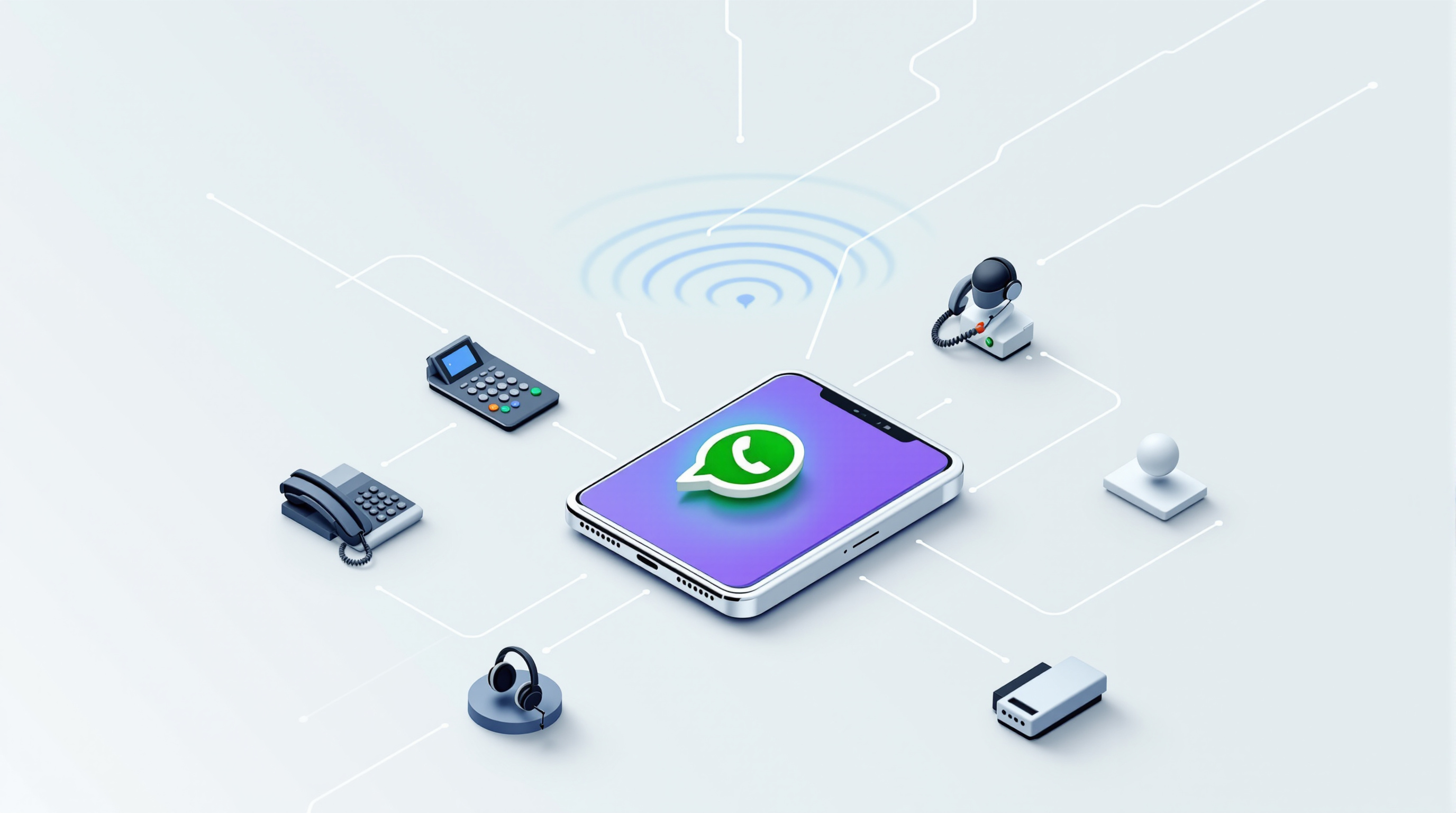
With Blue Chip Technologies Ltd.'s SIP for WhatsApp bridge, a single WhatsApp number can handle multiple simultaneous calls. Capacity is sized in blocks of two, with a minimum of two concurrent calls per number. So if you have one WhatsApp number and you need to handle four calls at once, you size for four. If you have three numbers and want to keep them all, that's a minimum of six concurrent calls across those numbers.
Compare that to the mobile app, which handles one call at a time. The difference isn't subtle.
Once calls reach your PBX, you route them the way you'd route any other inbound traffic: ring groups, call queues, direct extensions, business-hours rules, after-hours announcements. The customer still calls the same WhatsApp number they've always used. They don't know anything changed. But now their call actually gets answered.
Departments without different numbers
A common objection: "We need separate numbers so sales calls go to sales and support calls go to support."
You don't, though. A PBX handles departmental routing without making the customer choose a number. You can:
- Route calls to a ring group where all sales staff ring simultaneously
- Send overflow to a queue so callers wait in line instead of bouncing off a busy handset
- Use an AI receptionist to ask what the caller needs and route accordingly (there's no DTMF menu, but voice-based routing works)
- Transfer calls between agents—blind or attended—with presence so you're not dumping someone into voicemail
The customer dials one number. Your internal routing does the rest. That's cleaner for them and easier for you to manage.
For more detail on how the bridge handles routing and what PBX platforms it works with, see the SIP for WhatsApp solution page.
Consolidating without losing the numbers people already have
If you've already got several WhatsApp numbers in circulation—on business cards, signage, your website, maybe even tattooed on a delivery van—you don't have to throw them away. You can bring multiple numbers into the same bridge, each with its own concurrent capacity, and route them all through your PBX.
Here's a practical path:
- Audit your current numbers. List every WhatsApp number your business uses, where it's published, and who currently monitors it.
- Decide which to keep. You might consolidate to one primary number, or keep two if you genuinely serve different markets. The point is to make a deliberate choice rather than letting history decide.
- Register your numbers with the bridge. You scan a QR code to link each WhatsApp account to the gateway—your number stays yours, on your device, under your control. Blue Chip provides and manages the gateway; you keep ownership of the number.
- Configure PBX routing. Set up ring groups, queues, business hours and after-hours handling. This is standard PBX configuration, nothing exotic.
- Update your public-facing materials. Phase out the numbers you're retiring. Redirect the ones you're keeping to the same destination.
The transition doesn't have to be abrupt. You can run old and new in parallel while you update signage and retrain staff.
Frequently asked questions
Can I keep my existing WhatsApp number?
Yes. You register your own WhatsApp or WhatsApp Business number yourself, typically by scanning a QR code to link it to the gateway. Blue Chip Technologies Ltd. does not host, hold or control your number—it stays yours.
How many calls can one WhatsApp number handle at once?
Concurrent capacity is sized in blocks of two, with a minimum of two per number. So one number can handle at least two simultaneous calls; you add capacity in increments of two as needed.
Does this work with my existing phone system?
The bridge presents WhatsApp calls to your PBX as a SIP trunk. It works with SIP-based systems such as 3CX, Asterisk/FreePBX, PortSIP and similar platforms.
What happens to calls outside business hours?
Your PBX handles after-hours rules the same way it does for other lines—announcements, voicemail, night service routing. No more leaving a mobile on a desk overnight.
If your business has ended up with more WhatsApp numbers than it needs, or if you're fielding complaints about engaged lines and misdirected calls, it's worth looking at how a single, properly routed number could simplify things. Blue Chip Technologies Ltd., based in Trinidad & Tobago, provides the SIP for WhatsApp bridge along with local support for businesses in the region and remote support internationally.
See how it works and request a quote on the SIP for WhatsApp solution page.
Or if you'd rather just talk to someone:
- Phone: 1 (868) 609-2288
- WhatsApp: wa.me/18686092288
- Email: [email protected]
- Contact page: bluechiptt.com/contact