Your PBX can dial WhatsApp first, then fall back to a regular landline—automatically, without agents doing anything different. This outbound auto-sensing feature checks whether the destination number is active on WhatsApp before the call connects. If it is, the call goes through WhatsApp. If it isn't, or if the person's busy, the gateway tells the PBX to try the next route. The agent just dials; the system figures out the rest.
This matters because plenty of your customers live on WhatsApp. They check it before they check voicemail. They answer WhatsApp calls when they'd let an unknown landline ring out. If your outbound calls can reach them there first, you're more likely to actually connect.
What auto-sensing actually does
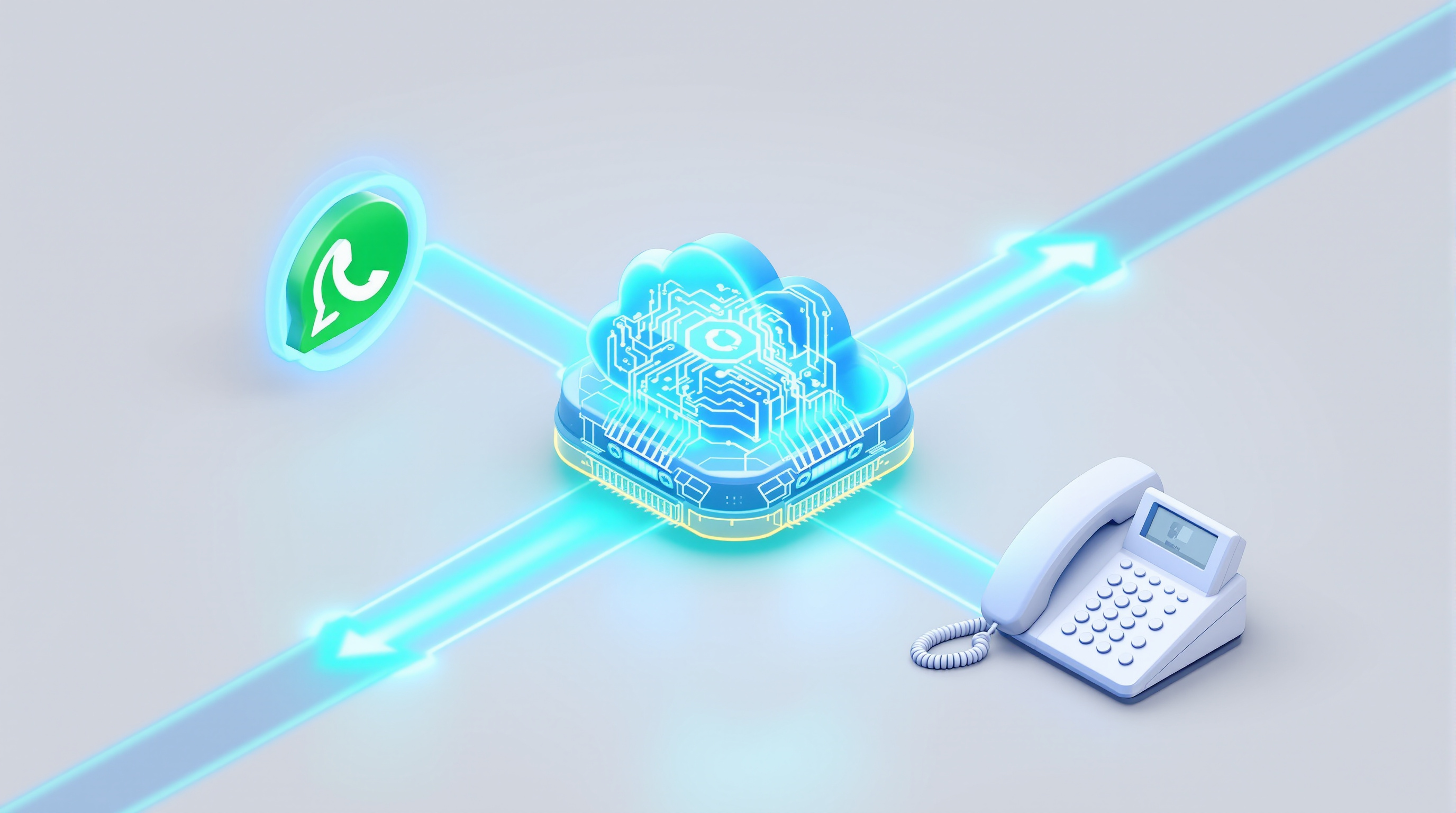
When an agent places an outbound call, the PBX sends it down the trunk you've prioritised—in this case, the SIP for WhatsApp trunk. The gateway then checks whether that destination phone number is registered on WhatsApp.
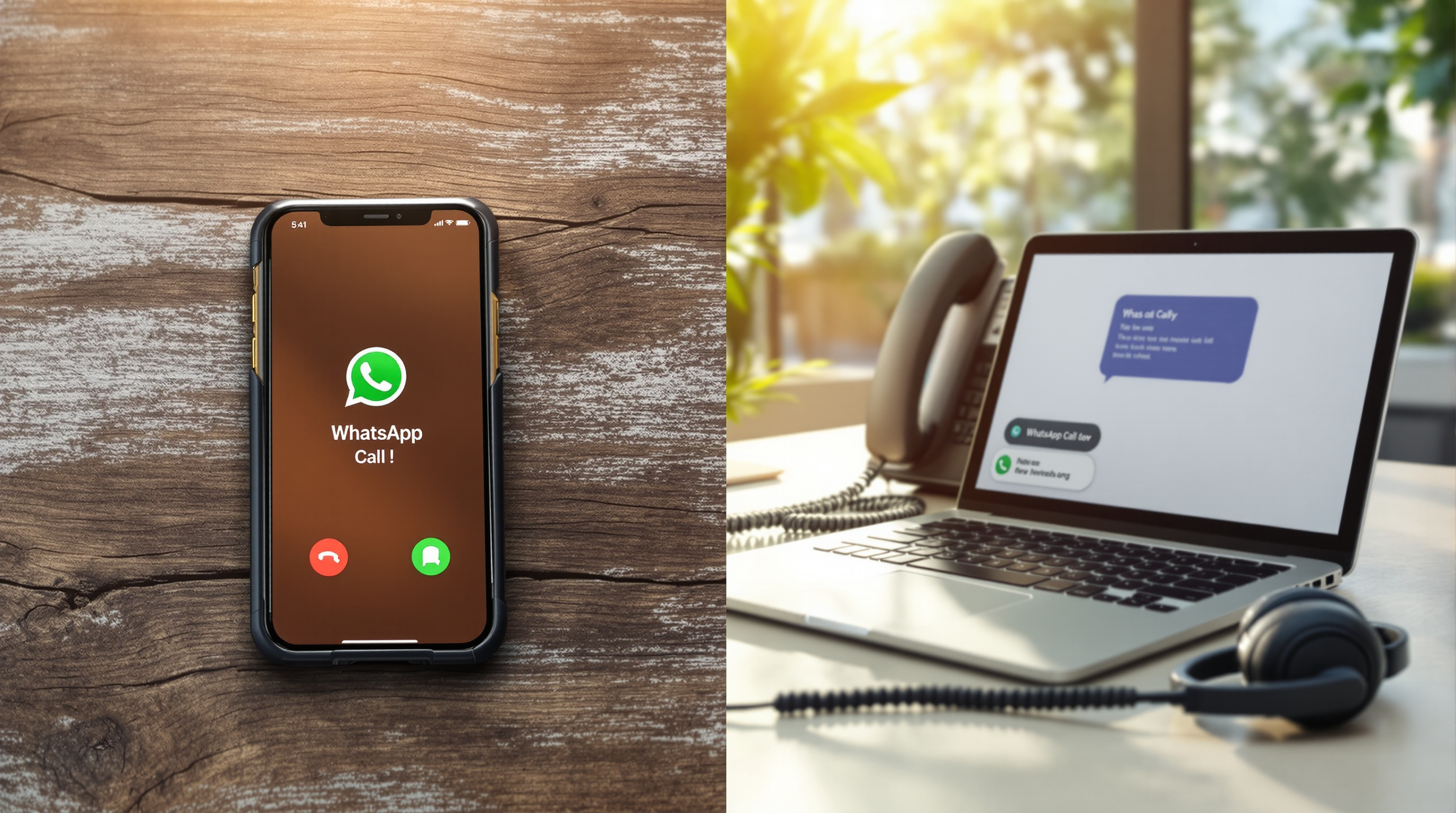
If it is, the call is placed as a WhatsApp voice call. The recipient sees it coming from your business's WhatsApp number—the one they probably already have saved.
If the number isn't on WhatsApp, or the person declines, or they're already on another call, the gateway rejects the call attempt and signals the PBX. The PBX then moves to the next route in your outbound rule—typically a SIP trunk connected to the PSTN or your landline provider.
The whole check happens in seconds. The agent doesn't see it. They just dial a number and the call connects however it can.
Why the agent should not have to choose
Asking staff to decide "should I call this customer on WhatsApp or their landline?" creates friction. They'd need to check each contact, remember preferences, maybe switch between apps. That's time spent not talking to customers.
More practically, they'd get it wrong sometimes. They'd call the landline when the customer would have picked up WhatsApp instantly. Or they'd try WhatsApp for someone who deleted the app years ago.
Auto-sensing removes that decision entirely. Your outbound rules encode the logic once. After that, every call follows the same path: try WhatsApp, fall back if needed. Agents dial numbers the same way they always have. The intelligence sits in the routing, not in their heads.
This also means you don't need to maintain two contact lists or tag customers by their preferred channel. A phone number is a phone number. The system works out how to reach it.
How the fallback works when WhatsApp is not an option
The fallback isn't a workaround—it's built into how the gateway communicates with your PBX.
When the SIP for WhatsApp trunk can't complete a call, it sends a standard SIP rejection code back to the PBX. Your PBX is already designed to handle this. If route one fails, try route two. That's basic outbound routing logic on any SIP-based system—3CX, Asterisk, FreePBX, PortSIP, and others all support it.
So your outbound rule might look like this:
- Primary route: SIP for WhatsApp trunk
- Secondary route: Your PSTN/SIP provider
If the primary completes the call, done. If not, the PBX moves to secondary without the agent ever knowing there was a first attempt.
The scenarios where fallback kicks in:
- The destination number isn't registered on WhatsApp
- The recipient is already on a WhatsApp call (busy)
- The recipient declines the call
- Network issues prevent the WhatsApp call from connecting
In each case, the call doesn't just fail—it continues down your routing table.
Where this sits in your outbound rules
On most PBX platforms, you configure outbound rules by matching dialled patterns to trunks. You've probably already got rules that say "calls starting with 1 go out this trunk" or "international calls use this provider."
Adding WhatsApp-first routing means creating a rule where the SIP for WhatsApp trunk is the first choice, with your existing trunk as the fallback. The pattern might match all numbers, or just mobile prefixes, or specific country codes—whatever makes sense for your business.
A few things to consider:
- Which calls should try WhatsApp first? Maybe all outbound calls. Maybe only calls to mobile numbers. Maybe only calls to certain regions where WhatsApp adoption is high.
- What's your fallback trunk? This needs to be configured and working. If you don't have a secondary route, calls that can't complete on WhatsApp will simply fail.
- Do you want different rules for different extensions? Some PBX systems let you apply outbound rules per user or per group. Your sales team might use WhatsApp-first routing while your accounts team uses landline-first.
The actual configuration varies by platform. On 3CX, you'd set this up in outbound rules with trunk priority. On Asterisk-based systems, it's in your dialplan. The concept is the same everywhere: ordered trunk preference with automatic failover.
What to watch when you set it up
A few practical points that trip people up:
Test both paths. Don't just confirm WhatsApp calls work—confirm that fallback works too. Call a number you know isn't on WhatsApp and verify it completes via your secondary trunk.
Check your secondary trunk's capacity. If you're routing more calls through it as fallback, make sure it can handle the load. This is especially relevant during busy periods.
Review your CDR and reporting. Calls that complete via WhatsApp will show differently in your logs than calls that fell back to landline. Make sure you understand how to read both, and that your reporting captures the full picture.
Remember the scalability difference. Regular WhatsApp and WhatsApp Business apps handle one call at a time on a number. The SIP bridge supports simultaneous calls on the same WhatsApp number, sized in blocks of two—minimum two concurrent calls per number. If you're making lots of outbound calls, this matters. Three WhatsApp numbers on the bridge means a minimum of six concurrent calls, not three.
The WhatsApp number stays yours. You register your own WhatsApp or WhatsApp Business number to the gateway yourself, typically by scanning a QR code. Blue Chip Technologies Ltd. provides and can manage the gateway, but your number and account remain under your control, on your own device.
If your team is already fielding WhatsApp calls on a single handset—one call at a time, no queue, no transfer, no recording—outbound auto-sensing is part of the same fix. Bridge those WhatsApp voice calls into your PBX so they work like every other business call, inbound and outbound.
Blue Chip Technologies Ltd., based in Trinidad & Tobago, provides the SIP for WhatsApp gateway and local support. Visit the SIP for WhatsApp solution page to see how it works and request a quote.
Get in touch:
- Phone: 1 (868) 609-2288
- WhatsApp: wa.me/18686092288
- Email: [email protected]
- Contact page: bluechiptt.com/contact
Frequently asked questions
Does the agent need to do anything differently when dialling?
No. The agent dials the number as usual. The PBX and gateway handle the routing logic automatically based on your outbound rules.
What happens if the customer's phone is off or they don't answer?
If the WhatsApp call isn't answered, standard behaviour applies—it may ring out or go to voicemail depending on the recipient's settings. If the number isn't on WhatsApp at all, the call falls back to your secondary trunk immediately.
Can I use this for all outbound calls or just some?
That's up to you. Your outbound rules can apply WhatsApp-first routing to all calls, only mobile numbers, specific country codes, or certain user groups—whatever fits your workflow.
Do I need to change my WhatsApp number to use this?
No. You keep your existing WhatsApp or WhatsApp Business number. Customers who already have it saved continue calling the same way they always have.