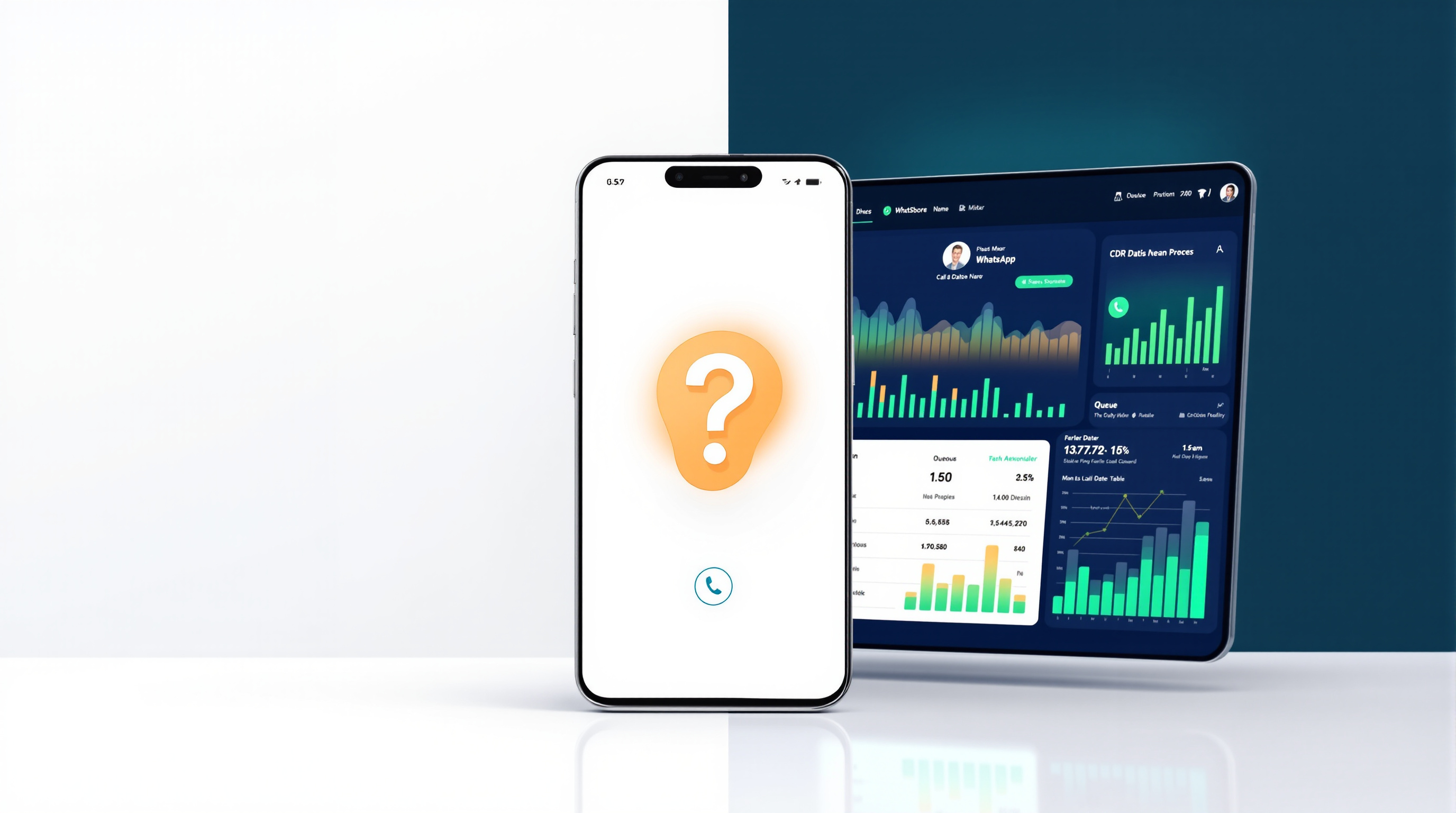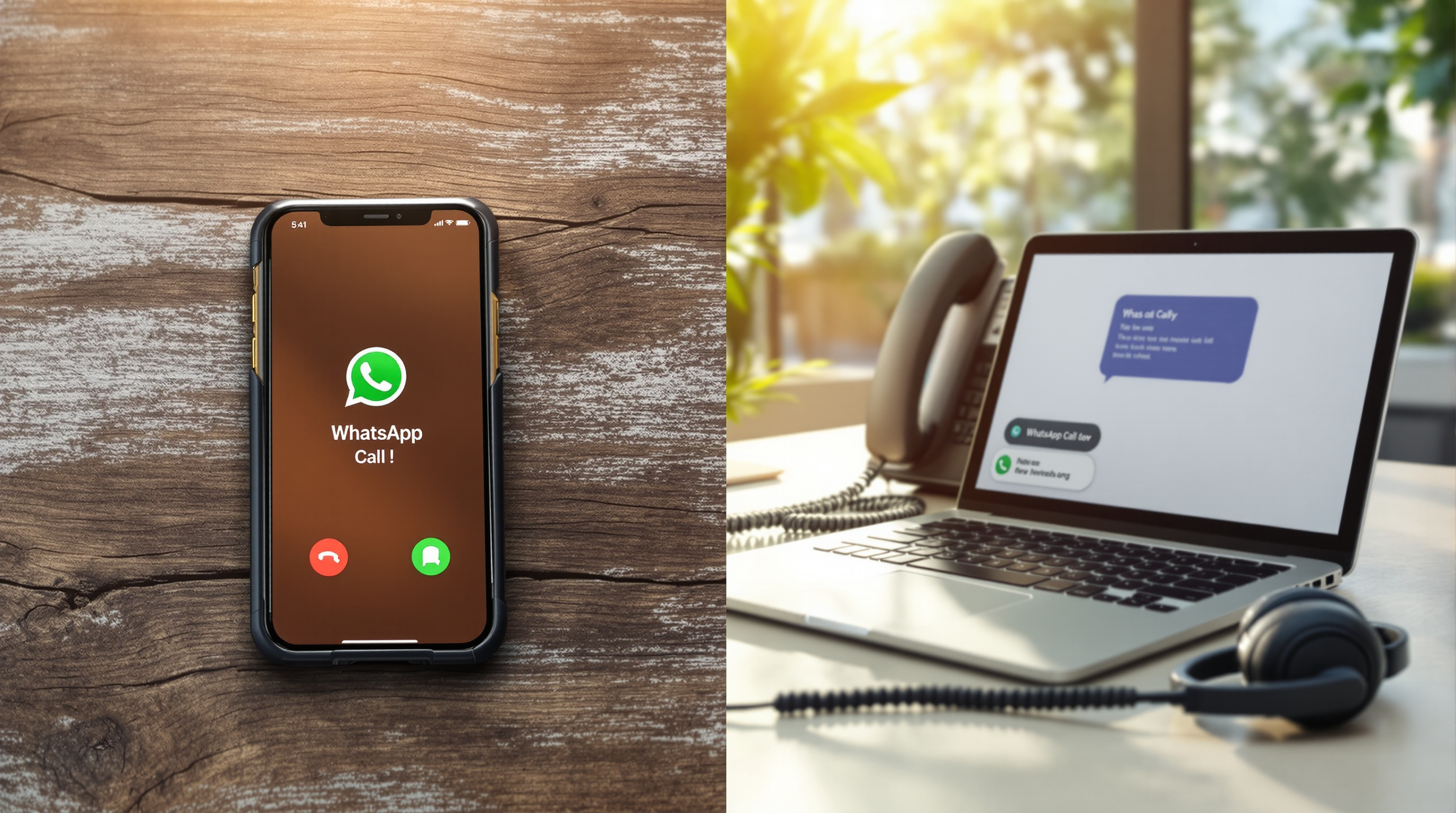
Once your WhatsApp voice calls run through an IP PBX instead of a single mobile handset, you can put an AI receptionist in front of them. That AI greets callers, figures out what they need, and routes them to the right person or queue—no "press 1" menu, no waiting for someone to pick up a mobile that's already on another call. This only becomes possible because the call lives on the PBX, not trapped on one phone.
Why WhatsApp calls could never have a receptionist before
Think about how WhatsApp voice calls work on a mobile. Someone rings your business number, your phone rings, you answer or you don't. If you're already on a call, the second caller gets nothing—maybe a busy tone, maybe silence. There's no queue, no voicemail routing, no way to transfer the call to a colleague who's free.
That setup works fine when you're a one-person operation. The moment you have two or three people who should be able to answer, it falls apart. There's no receptionist because there's no system sitting between the caller and the handset. The mobile app was designed for personal calls, not business routing.
The fix isn't to ditch WhatsApp—your customers already have that number saved, and they like calling on WhatsApp. The fix is to bridge those calls into a proper PBX so they behave like any other business call. That's what SIP for WhatsApp does: it presents your WhatsApp voice traffic to your PBX as a SIP trunk, and suddenly you have options.
What an AI receptionist does on a PBX
An AI receptionist is a software feature that answers a call, listens to what the caller says, and routes accordingly. On a modern PBX like 3CX, you configure it to handle specific scenarios:
- Greeting – The AI picks up and says something like, "Thanks for calling. How can I help you today?"
- Intent recognition – The caller says, "I need to speak to someone about my order." The AI identifies that as a sales or support enquiry.
- Routing – Based on the intent, the AI sends the call to the right queue, ring group, or direct extension.
- Fallback – If the AI can't work out what the caller wants, it transfers to a live person or takes a message.
None of this is magic. It's pattern-matching on speech, trained on common business scenarios. It works well for straightforward requests—"I want to check my delivery," "Can I speak to accounts?"—and less well for complex, emotional, or unusual situations.
The key point: this only works because the call is on the PBX. When WhatsApp calls are bridged in via SIP, they're treated identically to calls from your landline or VoIP trunk. Same routing rules, same AI receptionist, same call recording and CDR.
No DTMF menu, no 'press 1 for sales'
Traditional IVR menus rely on the caller pressing digits on their phone keypad. WhatsApp voice calls don't support DTMF tones reliably, so that approach doesn't work here. The AI receptionist sidesteps the problem entirely—it listens to speech, not button presses.
This is actually an improvement for callers. Nobody enjoys navigating a phone tree ("Press 3 for billing, press 4 for technical support, press 0 to hear these options again"). Speech-based routing is faster and feels more natural.
From your side, you configure the AI with the intents you care about. If most of your calls fall into three or four categories, you train the system on those. Calls that don't match get routed to a general queue or a live receptionist.
Where a human still needs to answer
Let's be honest about limitations. An AI receptionist handles routine routing well. It's less useful when:
- The caller is upset or frustrated – Emotional nuance is hard for AI. A human picks up on tone and can de-escalate.
- The enquiry is complex or unusual – "I ordered three items, one arrived damaged, one's missing, and I was charged twice" isn't a single intent.
- High-value conversations – If someone's calling about a large contract or a sensitive matter, you probably want a person involved from the start.
- Your business relies on personal relationships – Some industries thrive on "I always speak to Sarah." An AI in the middle might feel impersonal.
The practical approach is to use AI for what it's good at and keep humans where they matter. That usually means starting with specific scenarios rather than routing every call through the AI.
Starting with after-hours and overflow
A sensible first step is to deploy the AI receptionist in two situations:
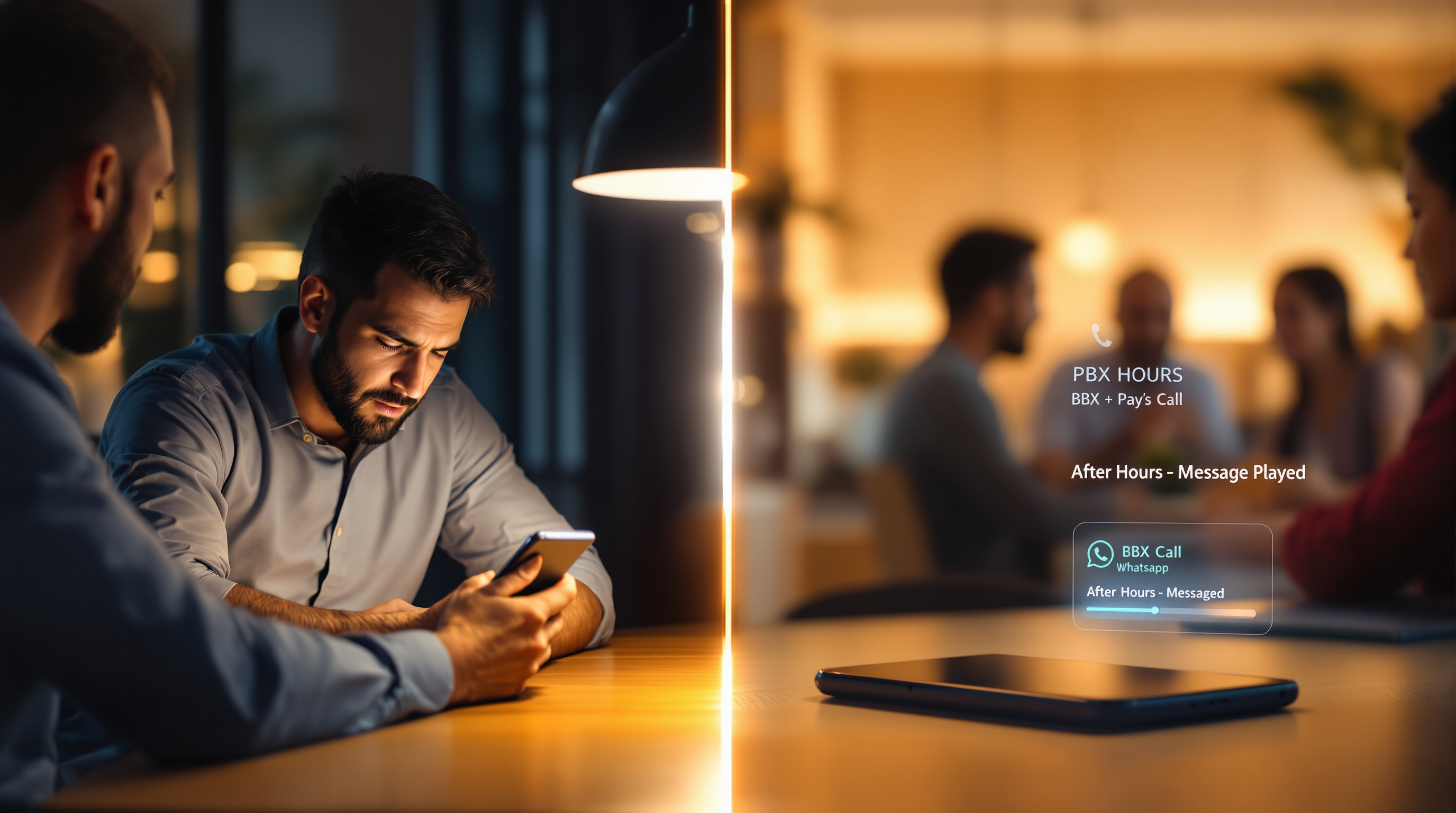
After hours – Instead of calls going to voicemail or ringing out, the AI answers, explains that the office is closed, and either takes a message or offers to route urgent matters to an on-call number. This is better than a static recorded message because callers can still get basic information.
Overflow during busy periods – When your team is swamped and calls are stacking up, the AI can handle initial triage. It might answer, "We're experiencing high call volumes. Can I help you with something quick, or would you prefer to hold for the next available person?" Callers who just need a tracking number or opening hours get sorted immediately; everyone else joins the queue.
Both scenarios require the same foundation: WhatsApp calls coming into the PBX as SIP traffic. And here's the scalability piece that makes this practical—regular WhatsApp and WhatsApp Business apps handle one call at a time on a number. The SIP bridge supports simultaneous calls on the same WhatsApp number, sized in blocks of 2, with a minimum of 2 concurrent calls per number. Three WhatsApp numbers means a minimum of 6 concurrent calls. That's what lets you have a queue, an AI receptionist, and multiple agents all working the same number.
Your WhatsApp number stays yours. You register it yourself, typically by scanning a QR code to link the app to the gateway. Blue Chip Technologies Ltd. provides and supports the gateway—but your number and your WhatsApp account remain on your device, under your control.
If you're curious how this works in practice, the SIP for WhatsApp solution page walks through the setup and explains what's involved. Blue Chip Technologies Ltd. is based in Trinidad & Tobago and provides local support there, but the solution works with SIP-based PBX platforms anywhere—3CX, Asterisk, FreePBX, PortSIP, and similar systems.
Ready to talk it through?
- Phone: 1 (868) 609-2288
- WhatsApp: wa.me/18686092288
- Email: [email protected]
- Contact page: bluechiptt.com/contact
Frequently asked questions
Can an AI receptionist answer WhatsApp calls directly on my mobile?
No. The AI receptionist is a PBX feature. WhatsApp calls must be bridged into your PBX via SIP before any routing—AI or otherwise—can happen. On a standalone mobile, there's nothing between the caller and the handset.
Does the AI receptionist work with DTMF menus?
WhatsApp voice calls don't reliably support DTMF tones, so traditional "press 1" menus aren't practical. The AI receptionist uses speech recognition instead, which works better for this channel anyway.
What happens if the AI can't understand what the caller wants?
You configure a fallback—typically a transfer to a live person or a general queue. The AI doesn't leave callers stranded.
Do I lose my WhatsApp number if I use this?
No. You keep your WhatsApp number and register it yourself. Blue Chip Technologies Ltd. provides the gateway and support, but your number stays on your device, under your control.