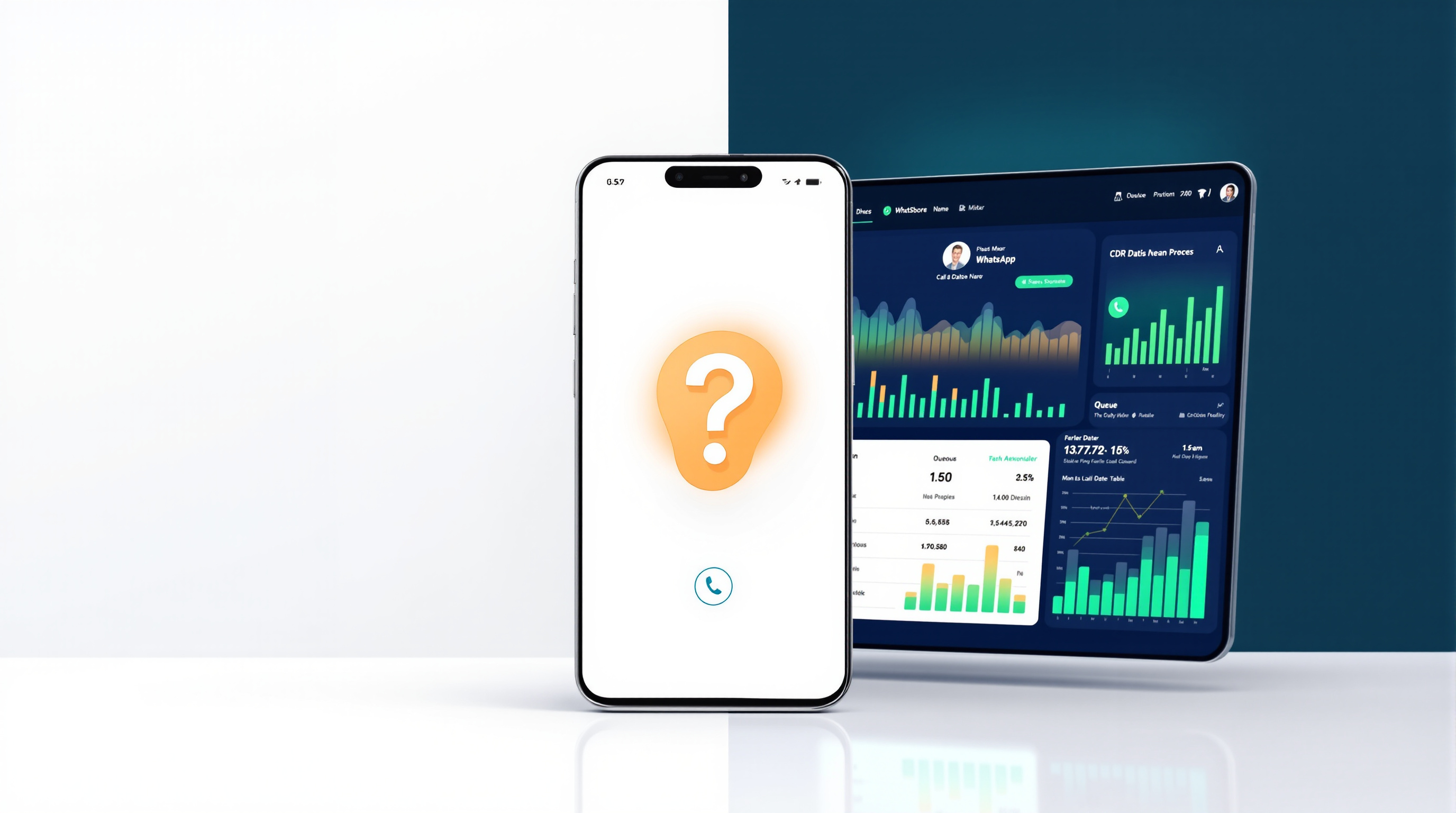
Regular WhatsApp and WhatsApp Business apps handle one voice call at a time on a single number. The second caller gets a busy signal or nothing at all. With a SIP bridge connecting that same WhatsApp number to an IP PBX, you can take multiple calls simultaneously—capacity comes in blocks of two concurrent calls, with a minimum of two per number. That's the fix, and it doesn't require your customers to learn a new number.
The short answer
You keep the WhatsApp number your customers already have saved. The difference is what happens behind it. Instead of one mobile ringing once, your PBX treats incoming WhatsApp voice calls like any other SIP trunk traffic. Two people can be on calls at the same moment. Four. Six. However many blocks of two you've provisioned. The caller's experience doesn't change—they tap the same contact, hear ringing, and reach your team.
Why one call at a time is the real ceiling
The WhatsApp app was built for personal conversations. One phone, one user, one call. That works perfectly well when it's just you answering enquiries between meetings.
It stops working the moment you hire a second person who also needs to answer those calls. Or when a Monday morning rush means three customers ring within the same minute. Caller two hears nothing useful. Caller three has already given up and tried your competitor.
There's no queue. No "please hold." No voicemail prompt. Just silence or a busy tone, depending on the platform. The app isn't broken—it simply wasn't designed for team-based call handling.
Some businesses try workarounds: a second WhatsApp number, or asking customers to call a landline instead. Neither is great. A second number splits your presence and confuses customers who've already saved the original. Pushing people to a landline ignores the reason they chose WhatsApp in the first place—it's already on their phone, it's familiar, and in many regions it's cheaper for them.
How concurrent calls are sized
When you connect your WhatsApp number to a PBX through SIP for WhatsApp, capacity is measured in concurrent call slots. These come in blocks of two, with a minimum of two per WhatsApp number.
Here's what that looks like in practice:
| WhatsApp numbers | Minimum concurrent calls |
|---|---|
| 1 | 2 |
| 2 | 4 |
| 3 | 6 |
You can add more blocks as needed. If your single WhatsApp number regularly handles busy periods, you might provision four or six concurrent slots on that one number alone. The maths is straightforward: how many calls do you expect to be active at the same instant?
Working out what your team needs
Most businesses overestimate how many simultaneous calls they actually take. A company fielding fifty calls a day might rarely have more than two happening at once, because most calls last a few minutes and spread across business hours.
A few questions help you size this properly:
- How many calls arrive in your busiest hour? Not per day—per peak hour.
- What's your average call duration? Short calls (under two minutes) clear faster, so fewer slots handle more volume.
- Do you have seasonal spikes? A retailer before Christmas or an accountant before tax deadlines may need temporary headroom.
If you're unsure, start with the minimum—two concurrent calls per number—and watch your PBX's call detail records. If you see missed calls or queue overflows during peak times, add another block. Scaling up is a configuration change, not a migration project.
Queues, ring groups and what happens at the busy moment
Concurrent call capacity is only half the picture. What happens when all your agents are already talking?
On a standalone WhatsApp app, the answer is: nothing good. The caller bounces.
With a PBX in the loop, you have options. Calls can enter a queue with hold music and a position announcement. They can ring a group of extensions simultaneously, so whoever's free picks up first. They can overflow to a secondary team after a set time. They can reach an AI receptionist that takes a message or routes based on what the caller says.
Queues change the maths. If you have two concurrent slots but a queue that holds callers for up to a minute, you can absorb short bursts without adding capacity. The queue acts as a buffer. Without it, every simultaneous arrival beyond your slot count is a lost opportunity.
Business-hours rules matter too. After 6pm, calls can hit an announcement explaining when you're back, rather than ringing endlessly on a phone nobody's watching.
Growing the number without changing the number
This is the part that matters most to businesses who've spent years building recognition around a WhatsApp contact.
You don't need a new number. You don't need to tell customers anything. The number stays yours—registered on your own device, under your control. What changes is the infrastructure answering it.
When you connect through a SIP bridge, your existing WhatsApp or WhatsApp Business number links to the gateway (typically by scanning a QR code on your device). From that point, inbound voice calls route to your PBX and out to desk phones, softphones, or a mobile app—wherever your agents are.
Outbound works too. Your PBX can place calls via WhatsApp when the destination number is on the platform, falling back to a standard trunk if it isn't.
The result: your team answers WhatsApp calls the same way they answer every other call. Transfers, recording, reporting, presence—it all applies. And your customers just see the number they've always known.
If your WhatsApp number has become a genuine customer contact point and you've outgrown one-call-at-a-time, the next step is seeing how the integration actually works. Blue Chip Technologies Ltd., based in Trinidad & Tobago, provides and supports SIP for WhatsApp for businesses running 3CX, Asterisk, FreePBX, PortSIP and similar SIP-based platforms. Local support is available in Trinidad & Tobago, and the team works with organisations internationally.
Visit the solution page to see how it fits your setup, or get in touch directly:
- Phone: 1 (868) 609-2288
- WhatsApp: wa.me/18686092288
- Email: [email protected]
- Contact page: bluechiptt.com/contact
Frequently asked questions
Can I take more than one WhatsApp call at a time on the same number?
Not with the standard WhatsApp or WhatsApp Business app—they handle one call at a time per number. With a SIP bridge connecting that number to an IP PBX, you can take multiple concurrent calls on the same number, sized in blocks of two.
Do I need a new WhatsApp number to use this?
No. You keep your existing WhatsApp or WhatsApp Business number. You register it yourself on your own device by linking it to the gateway, typically via QR code. The number stays under your control throughout.
How do I know how many concurrent call slots I need?
Look at your busiest hour, not your daily total. If you rarely have more than two calls active at once, start with the minimum of two slots and monitor your call records. Add blocks of two as needed.
What happens if all my agents are busy when a WhatsApp call comes in?
With a PBX, the call can enter a queue, ring a group of extensions, or overflow to another team—unlike the standalone app, where the caller simply can't get through.