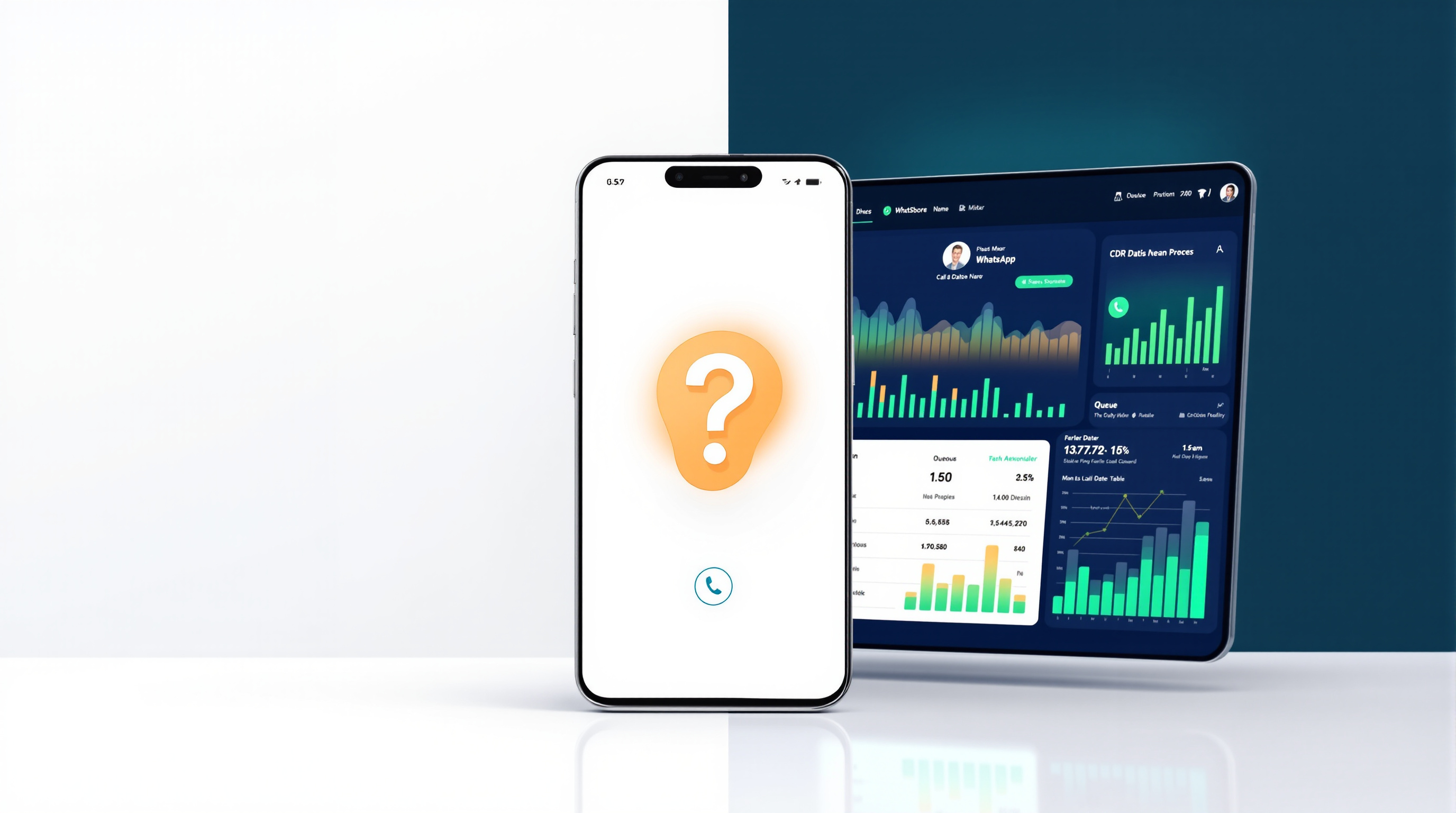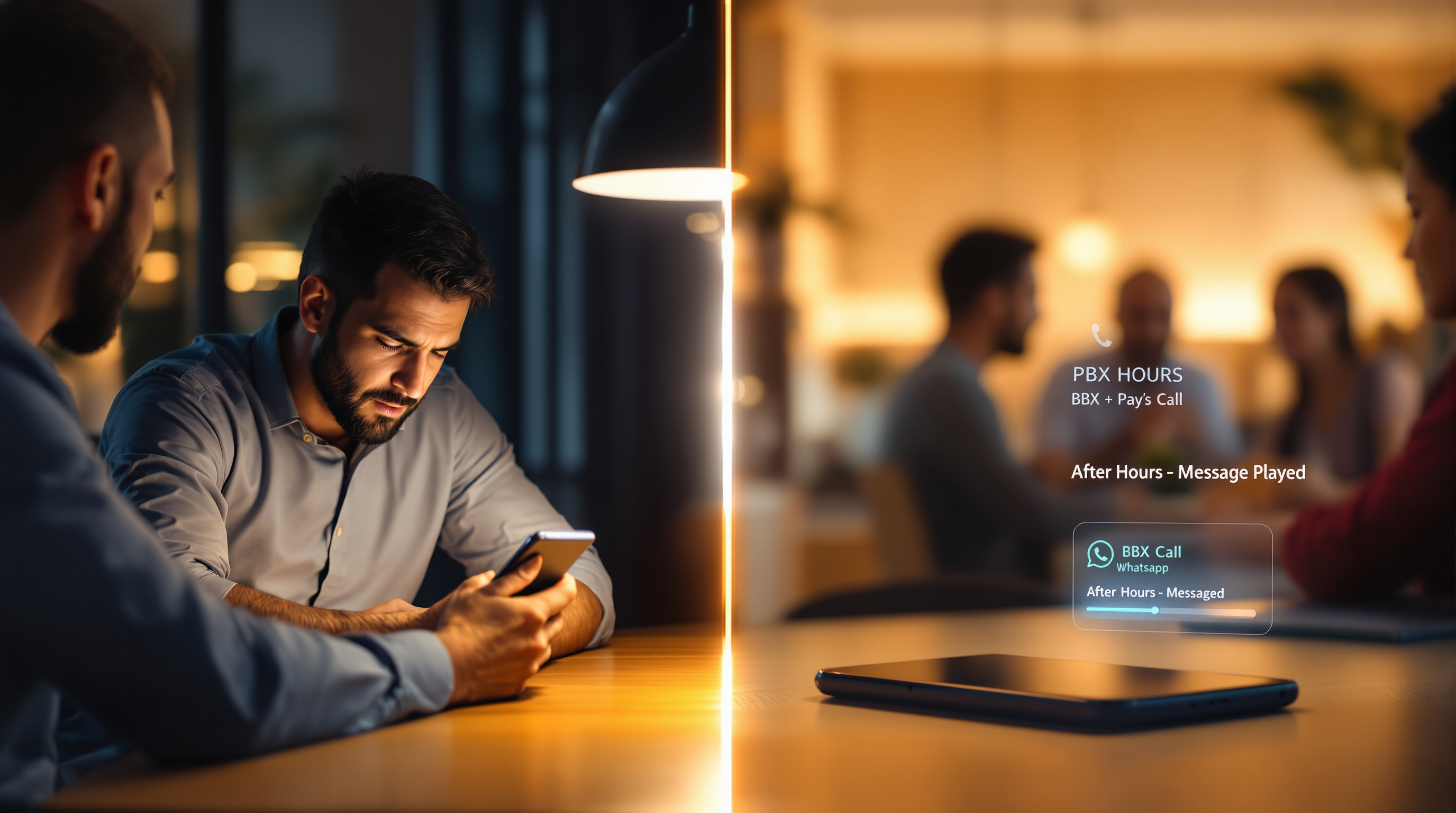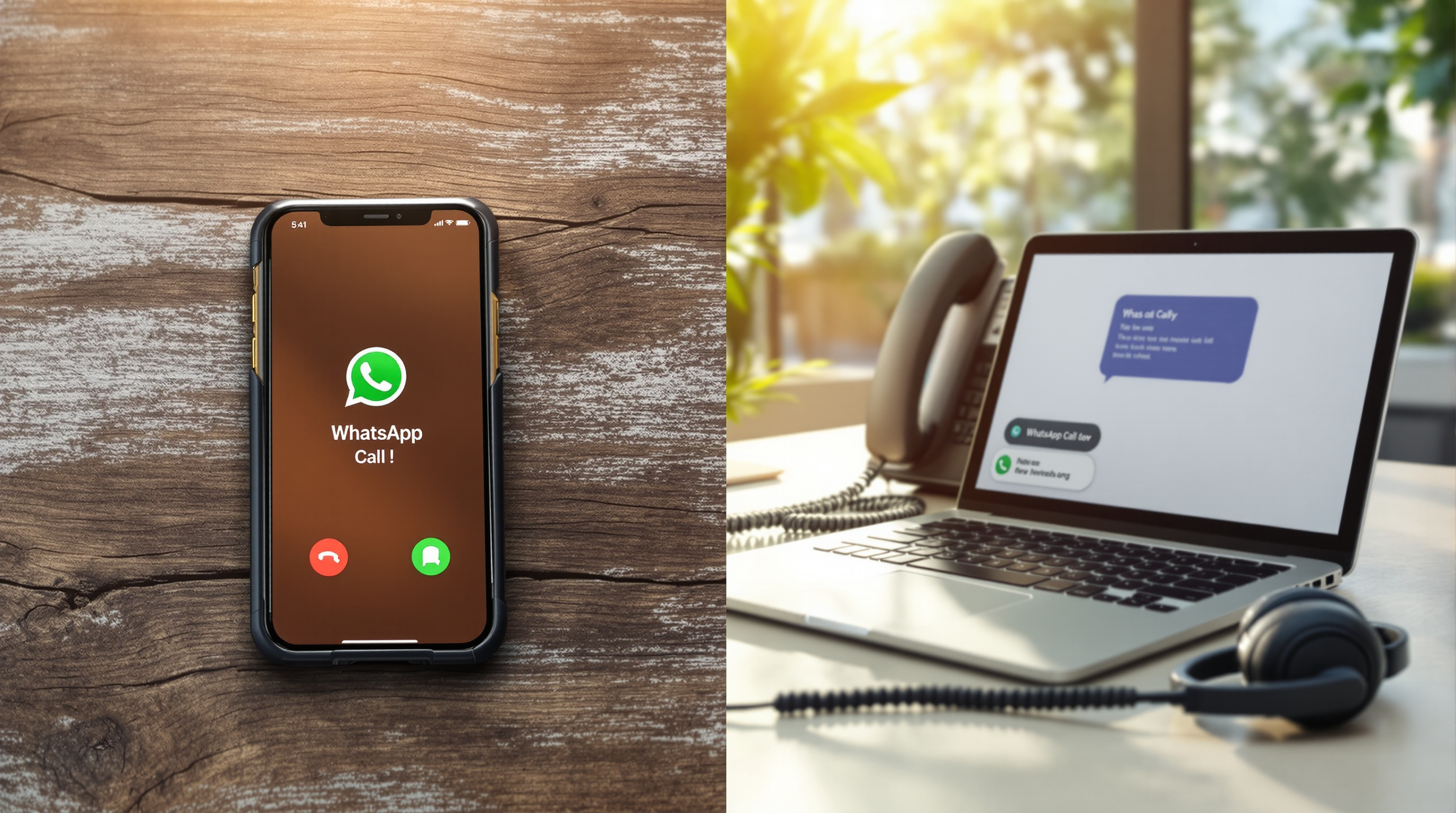
The WhatsApp Business app is a solid tool for a single person managing customer conversations—but it was never built to be a phone system. Once you need more than one person answering calls, or you want calls to queue, transfer, or record, you've hit the app's design boundary. That's not a criticism; it's just where the app stops and where a PBX bridge starts.
What the WhatsApp Business app is genuinely good at
Give credit where it's due: the WhatsApp Business app does its job well.
It gives you a proper business profile—name, address, hours, website, a short description—so customers know they're talking to a real company. The catalogue feature lets you show products or services right inside the chat. Quick replies save you typing the same answers over and over. Labels help you sort conversations (new lead, pending payment, follow-up needed). Away messages and greeting messages mean customers aren't left wondering if anyone's there.
For a sole trader, a small shop, or anyone who handles enquiries personally, it's genuinely useful. One phone, one person, one conversation at a time—it works. Customers like it because they already have WhatsApp on their phone. They don't need to download anything new or remember a landline number.
If that describes your business, you probably don't need anything more. The app does what it was designed to do.
Where the single-device model runs out
The boundary appears the moment a second person needs to answer.
WhatsApp Business is tied to one device. Yes, you can link companion devices, but the core model is still one primary phone, one number, one user in control. That's fine until your business grows—or until you take a holiday, get sick, or simply can't be available every hour.
Think about what happens when three customers call at once. One gets through. The other two hear ringing that goes nowhere, or they get a busy signal, or the call just drops. There's no queue. There's no "please hold, you're next in line." There's no way for a colleague on a different phone to pick up the overflow.
Labels and quick replies won't help here. The app wasn't designed for shared workloads. It was designed for one person doing everything.
Voice is the part that hurts first
Text chat can wait. A customer sends a message at 10pm, you reply at 9am, and most people accept that. Voice is different.
When someone taps the call button, they expect an answer now. If your one phone is busy, or you're in a meeting, or you've left the office, that call bounces. The customer tries again, maybe twice, then gives up and calls a competitor.
Here's what the WhatsApp Business app doesn't have for voice:
- No call queue. Callers can't wait in line.
- No transfer. You can't move a call to a colleague who knows the answer.
- No ring groups. You can't have five phones ring at once so whoever's free picks up.
- No call recording. If you need records for training, compliance, or disputes, you're out of luck.
- No business-hours routing. The phone rings at midnight the same as midday.
- No reporting. You can't see how many calls you missed last week.
None of this is a flaw in WhatsApp. It's a messaging app with a call button, not a phone system. The problem is that customers treat it like a phone system because, to them, it's just another way to call you.
Bridging the app into a phone system instead of replacing it
The obvious fix—"just use a different number for business calls"—creates a new problem. Your customers already have your WhatsApp number saved. They're used to it. Asking them to learn a new number, or to call a landline instead, means friction. Some will, some won't, and you'll spend months reminding people.
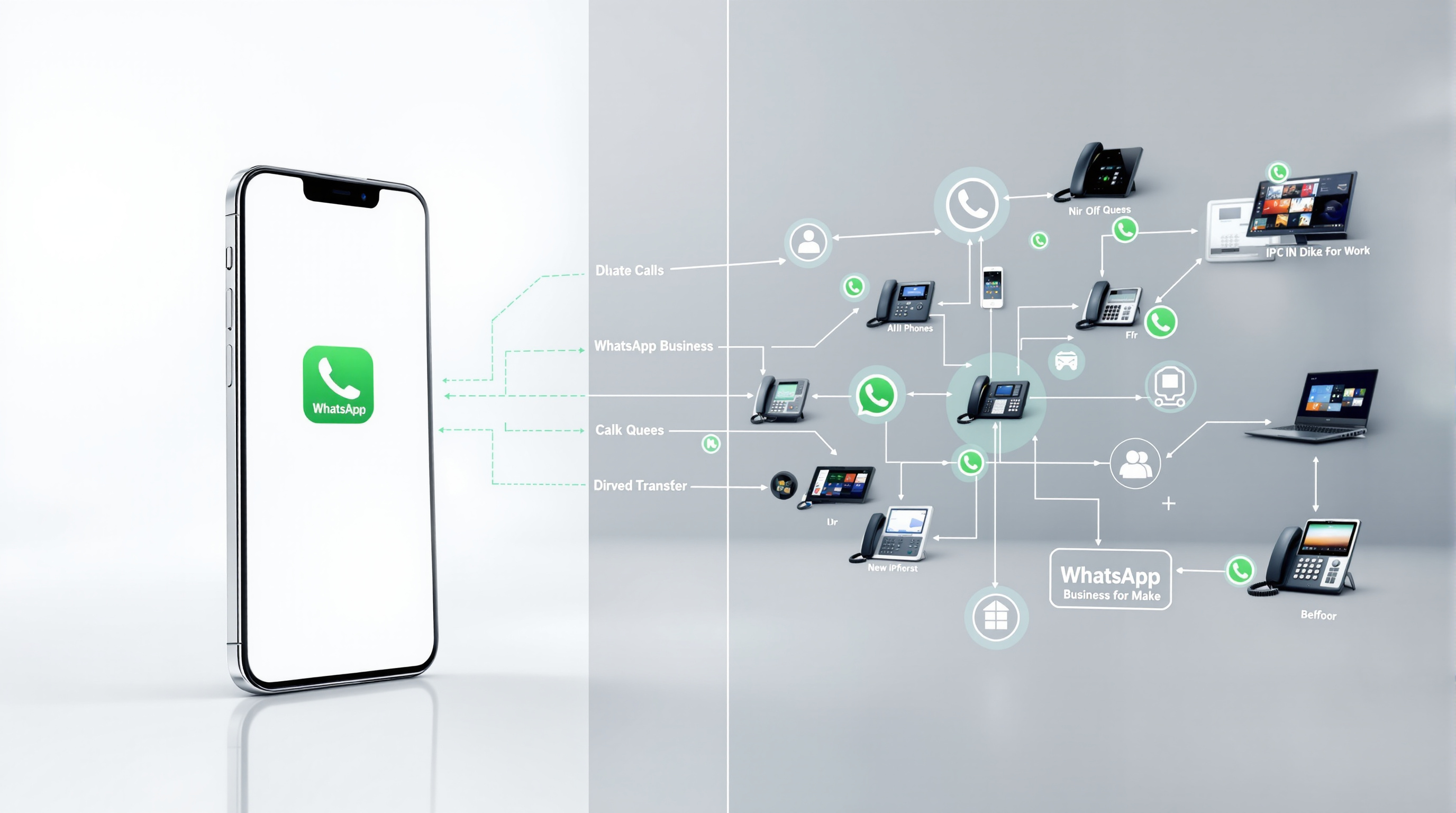
A better option is to keep the WhatsApp number but route calls through a proper IP PBX. That's what SIP for WhatsApp does.
The bridge presents your WhatsApp voice calls to your PBX as a SIP trunk. From there, your existing call-handling rules take over:
- Calls can ring a group of desk phones or softphones, so whoever's free answers first.
- Busy periods go into a queue instead of bouncing off one engaged mobile.
- Agents can transfer calls—blind or attended—with presence showing who's actually available.
- Call recording, CDR logs, and reporting apply automatically, same as any other trunk.
- Business-hours schedules route after-hours calls to a voicemail or announcement.
- You can point calls at an AI receptionist if that suits your setup (though there's no DTMF menu—WhatsApp doesn't support tone dialling).
The scalability point matters here. A regular WhatsApp or WhatsApp Business app handles one call at a time on a number. The SIP bridge supports simultaneous calls on the same WhatsApp number. Capacity is sized in blocks of two, with a minimum of two concurrent calls per number. If you have three WhatsApp numbers, that's a minimum of six concurrent calls.
Outbound works too. Your PBX can try WhatsApp first, auto-sensing whether the destination is on WhatsApp. If it is, the call goes over WhatsApp. If not—or if the person's busy—the gateway signals the PBX to fall back to a landline route.
Your WhatsApp number stays yours. You register it yourself, on your own device, typically by scanning a QR code to link the app to the gateway. Blue Chip Technologies Ltd. provides and supports the gateway; you keep full control of your number and account.
How to tell which side of the line you are on
Ask yourself a few questions:
- Does more than one person need to answer WhatsApp calls? If yes, you've outgrown the app.
- Do callers ever hear ringing with no answer because you're already on a call? That's lost business you can't measure.
- Do you need call recordings for compliance, training, or dispute resolution? The app won't help.
- Do you want calls to stop at 6pm and resume at 8am? The app rings whenever someone calls.
- Would you like to see how many WhatsApp calls you missed last month? There's no report for that in the app.
If you answered yes to any of those, you're past the boundary. The app is still useful for chat, catalogues, and quick replies—but voice needs a different tool.
What changes: WhatsApp voice calls route through your PBX, with queues, transfers, recording, and reporting.
What stays the same: Your customers keep calling the same WhatsApp number they already have saved. They won't notice anything different.
What you decide: How many concurrent calls you need, how calls should route, and whether you want to self-host the gateway or have it managed for you.
Blue Chip Technologies Ltd., based in Trinidad & Tobago, provides SIP for WhatsApp with local support for businesses in the region and remote setup for organisations elsewhere. If you'd like to see how the bridge fits your current phone system, visit the solution page or get in touch directly.
Phone: 1 (868) 609-2288
WhatsApp: wa.me/18686092288
Email: [email protected]
Contact page: bluechiptt.com/contact