Business Communications
3CX Windows Softphone Update Makes Desktop App Migration a One-Click Affair
New 3CX update lets you migrate from Softphone to Desktop App in one click—no manual setup required.
August 14, 2026
2 min read

Insights, tutorials, and news from our IT experts in Trinidad & Tobago.
New 3CX update lets you migrate from Softphone to Desktop App in one click—no manual setup required.

Give your call centre team headsets built for all-day wear and crystal-clear audio. Yealink delivers both.
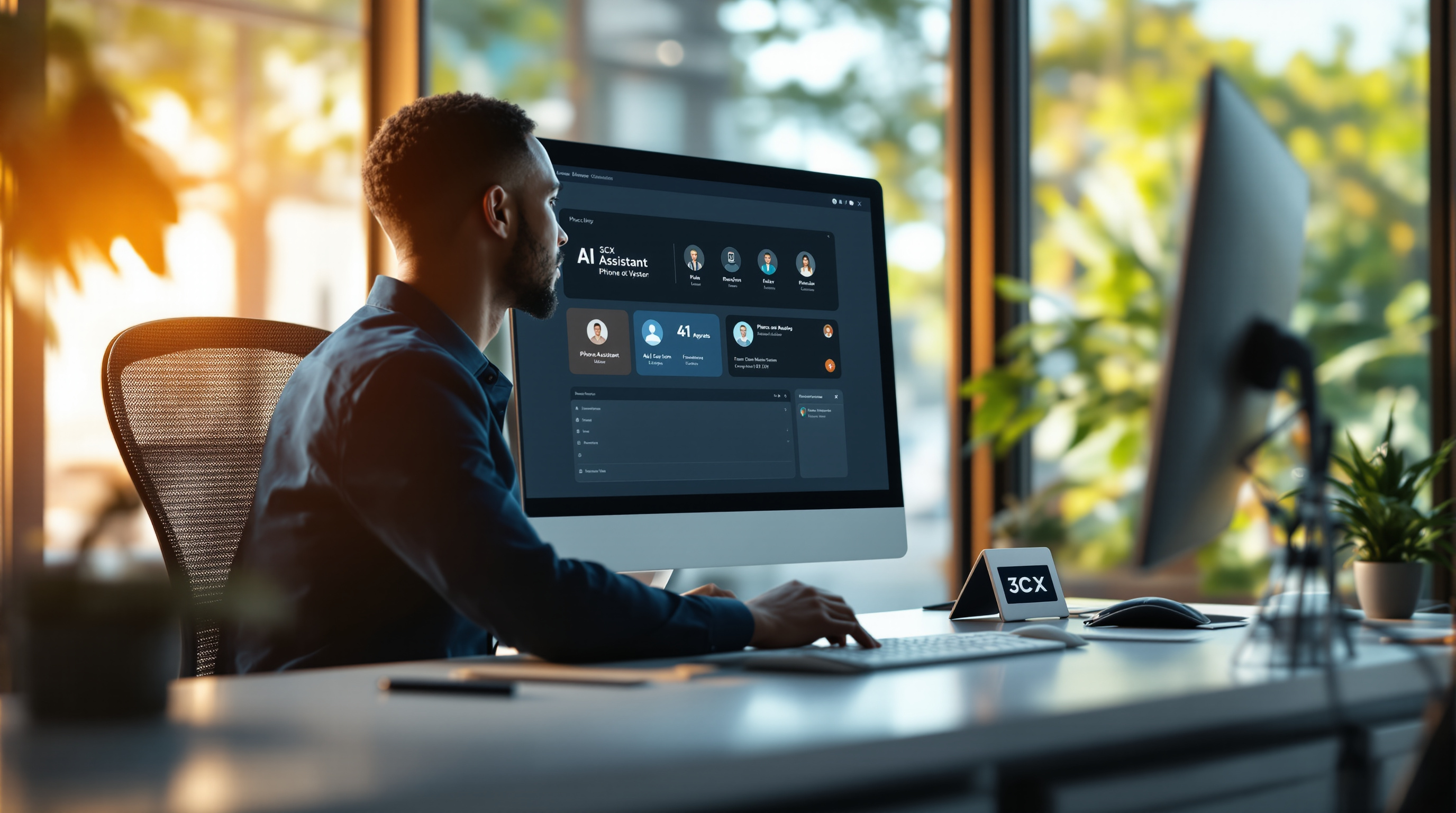
New 3CX update brings AI assistants, dedicated AI servers, and tighter admin controls to your business phone system.

3CX is making their AI Server easier to deploy and manage — good news for Trinidad businesses looking to use AI features.

Pick a Yealink conference phone that actually fits your meeting room size. Here's how to match features to your space.

3CX now lets you downgrade editions and remove hosting yourself—no support tickets needed. Here's what it means for your business.

AI features on 3CX need proper server specs. Here's what T&T businesses should know about hardware and performance.
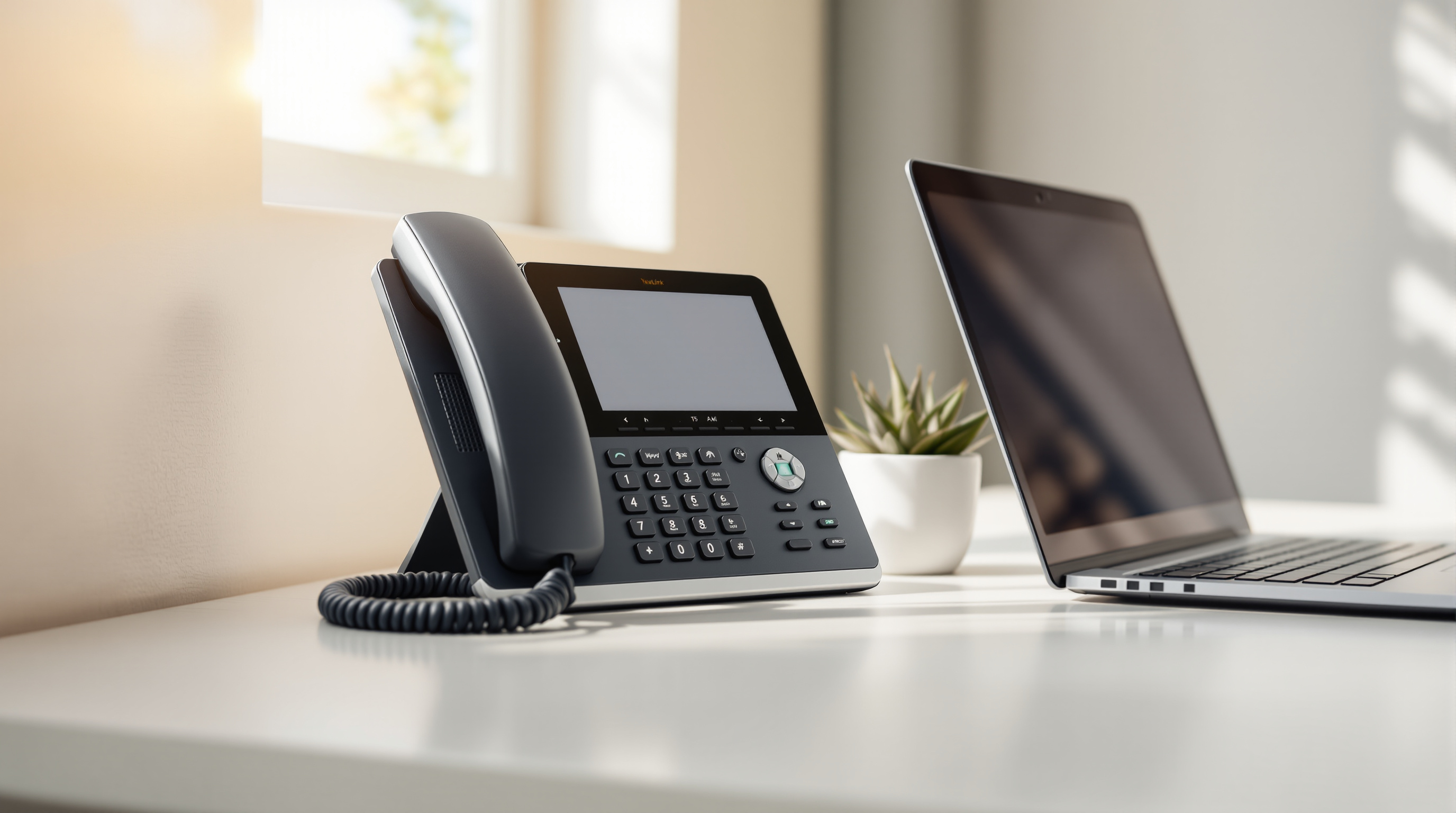
A practical guide to picking Yealink phones that match your team's needs — from basic handsets to reception stations.

3CX AI now emails you call summaries and transcripts automatically—perfect for T&T businesses managing high call volumes.