1 (868) 609-2288

Our Blog

Insights, tutorials, and news from our IT experts in Trinidad & Tobago.

Office worker pausing before approving remote computer access and verifying through trusted IT support
CybersecurityCyber Safety

Do Not Hand Over Remote Access Until You Verify the Request

A practical cyber-safety tip for office staff: never give remote access to a work device until the request is verified through your normal IT support channel.

May 28, 2026
5 min read

Office worker pausing before signing in on a laptop while checking a suspicious link
CybersecurityCyber Safety

Before You Sign In From an Email Link, Open a New Tab Instead

Before You Sign In From an Email Link, Open a New Tab Instead Phishing messages do not always look dramatic. Sometimes they look like normal work: a Microsoft...

May 27, 2026
4 min read
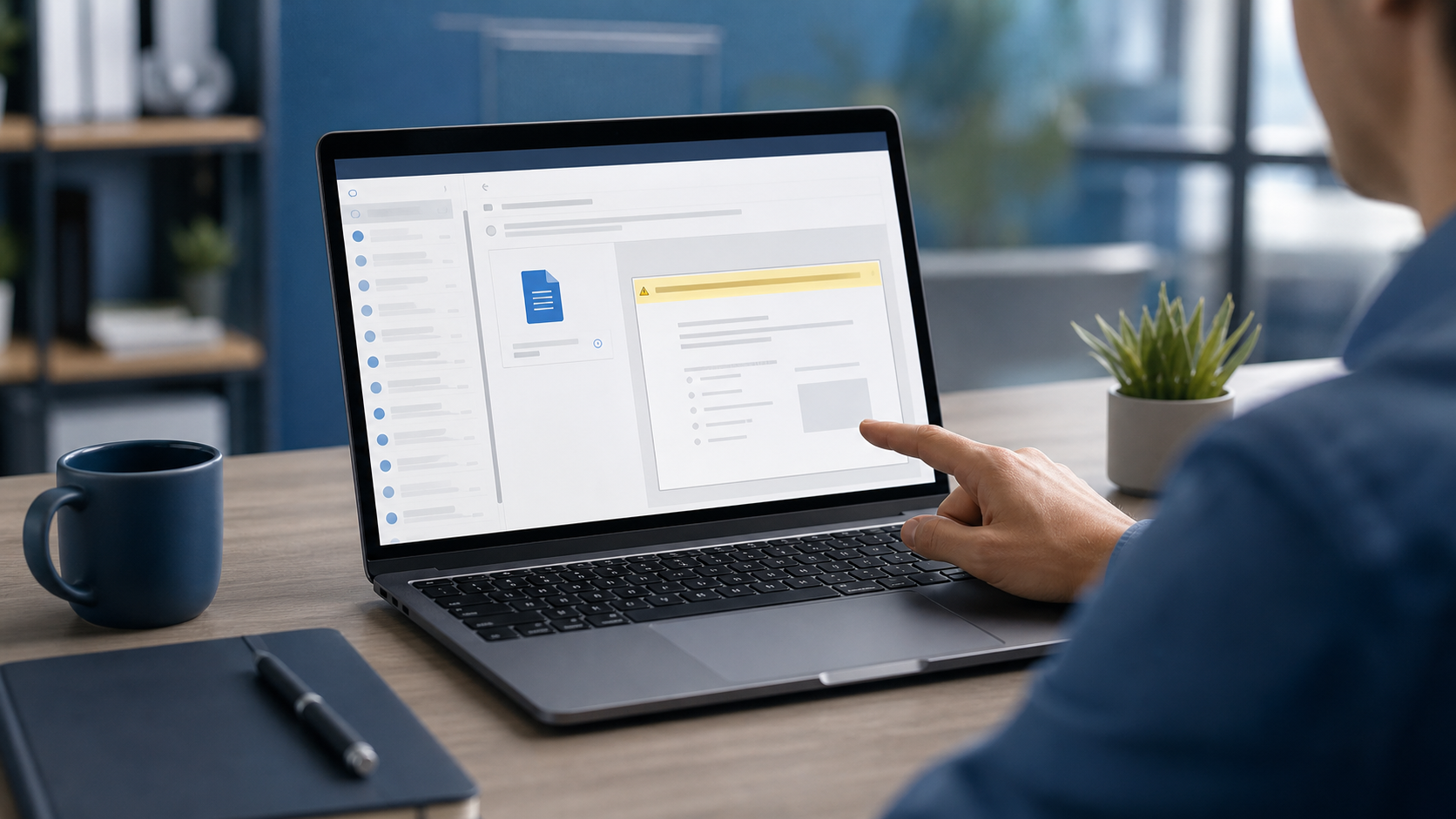
Office worker pausing before enabling editing on an email attachment on a laptop
CybersecurityCyber Safety

If a File Asks You to Enable Editing, Stop and Check First

If a File Asks You to Enable Editing, Stop and Check First Most suspicious emails do not arrive with a giant warning sign. They arrive looking routine: an...

May 26, 2026
4 min read
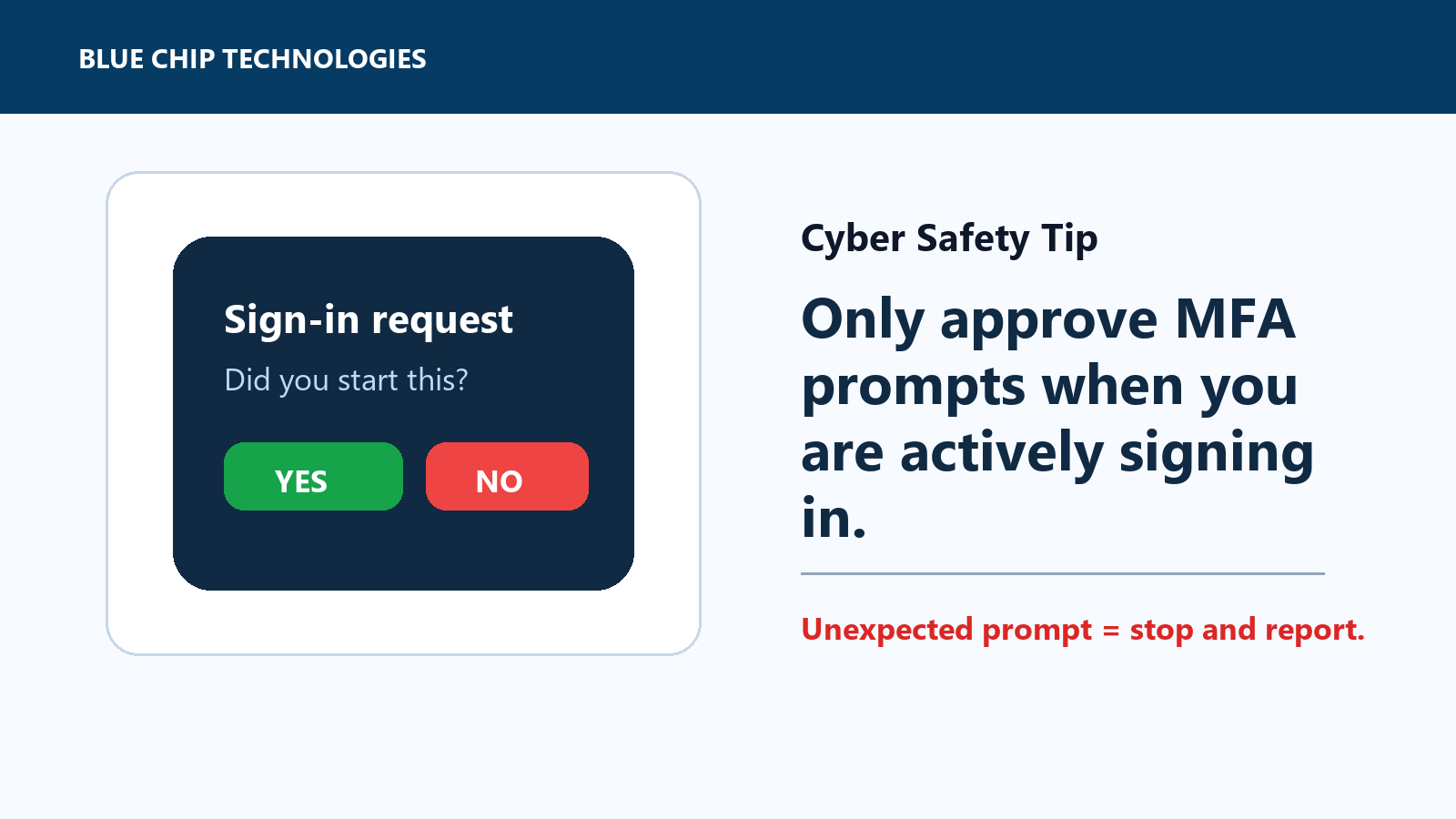
MFA sign-in prompt asking whether the user started the login
CybersecurityCyber Safety

Do Not Approve MFA Prompts You Did Not Start

Unexpected MFA prompt? Stop. If you did not start the login, do not approve it.

May 26, 2026
3 min read
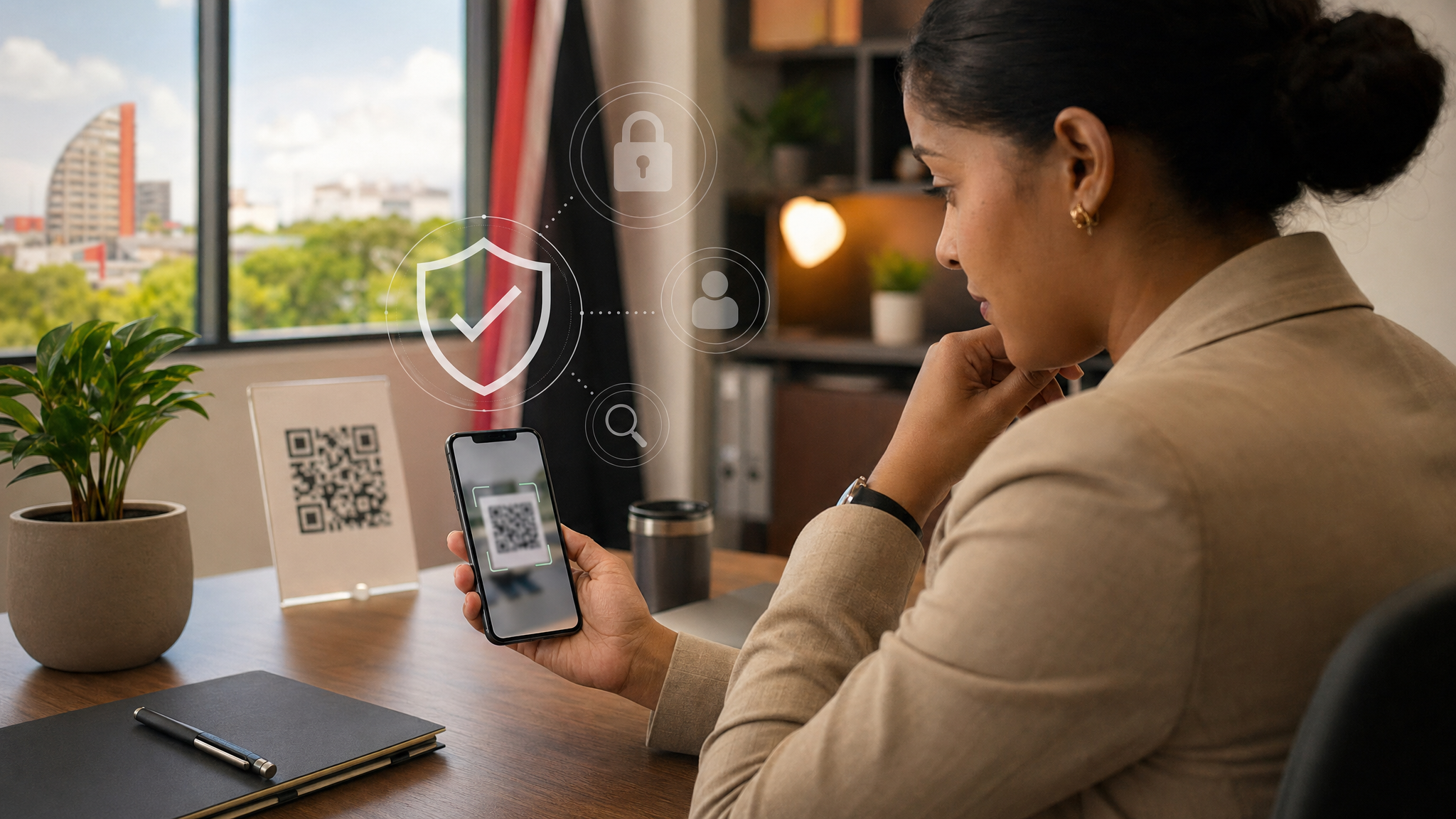
Office worker pausing before scanning a QR code with a smartphone beside a laptop
CybersecurityCyber Safety

QR Codes Are Convenient. Treat Them Like Hidden Links.

QR codes are useful, but they hide the destination until after you scan. Here is a simple office-safe habit for avoiding QR phishing and fake login pages.

May 22, 2026
4 min read
Business laptop and smartphone showing a secure browser connection with a caution against fake websites
CybersecurityCyber Safety

A Padlock Is Not Proof the Website Is Real

A Padlock Is Not Proof the Website Is Real When staff check whether a site is safe, many look for the padlock or https and assume that settles it. That is only...

May 20, 2026
4 min read
Office laptop with browser extension icons being reviewed carefully on screen
CybersecurityCyber Safety

Browser Extensions: Keep Only the Ones You Actually Trust

Browser Extensions: Keep Only the Ones You Actually Trust Browser extensions can be useful. They block pop-ups, help with passwords, improve productivity, and...

May 19, 2026
4 min read
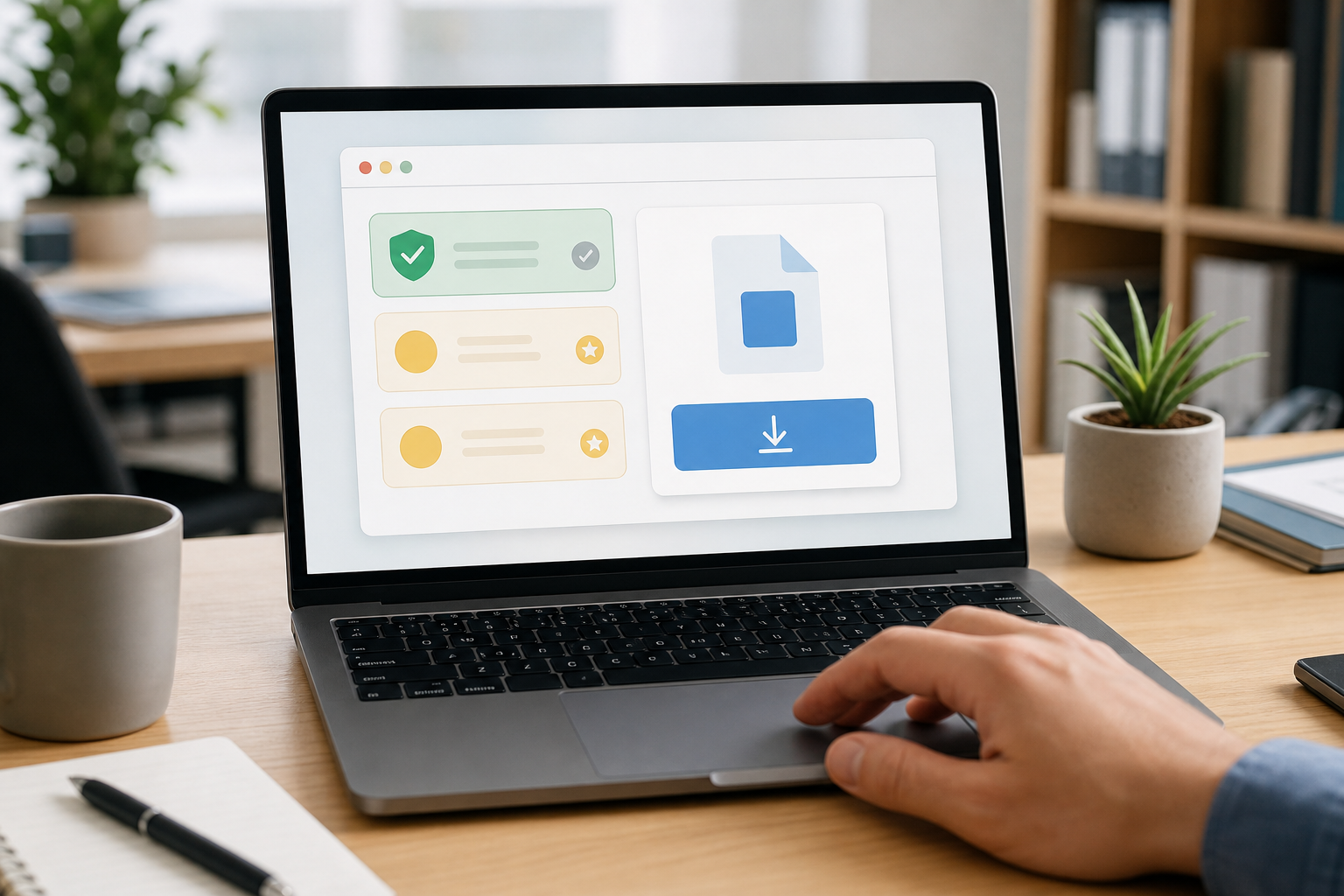
Office laptop showing a generic software download screen with no readable text
CybersecurityCyber Safety

Download Software From the Official Site, Not the First Ad

Download Software From the Official Site, Not the First Ad When staff need a new app, browser, PDF tool, meeting client, printer driver, remote access tool, or...

May 17, 2026
4 min read
Smartphone with abstract authentication prompt beside an office laptop
CybersecurityCyber Safety

MFA Prompts: Only Approve the Ones You Started

MFA Prompts: Only Approve the Ones You Started Multi-factor authentication, often called MFA or two-step verification, is one of the best protections for...

May 16, 2026
4 min read
PreviousPage 2 of 4Next
Chat on WhatsApp